Mohammed Wasim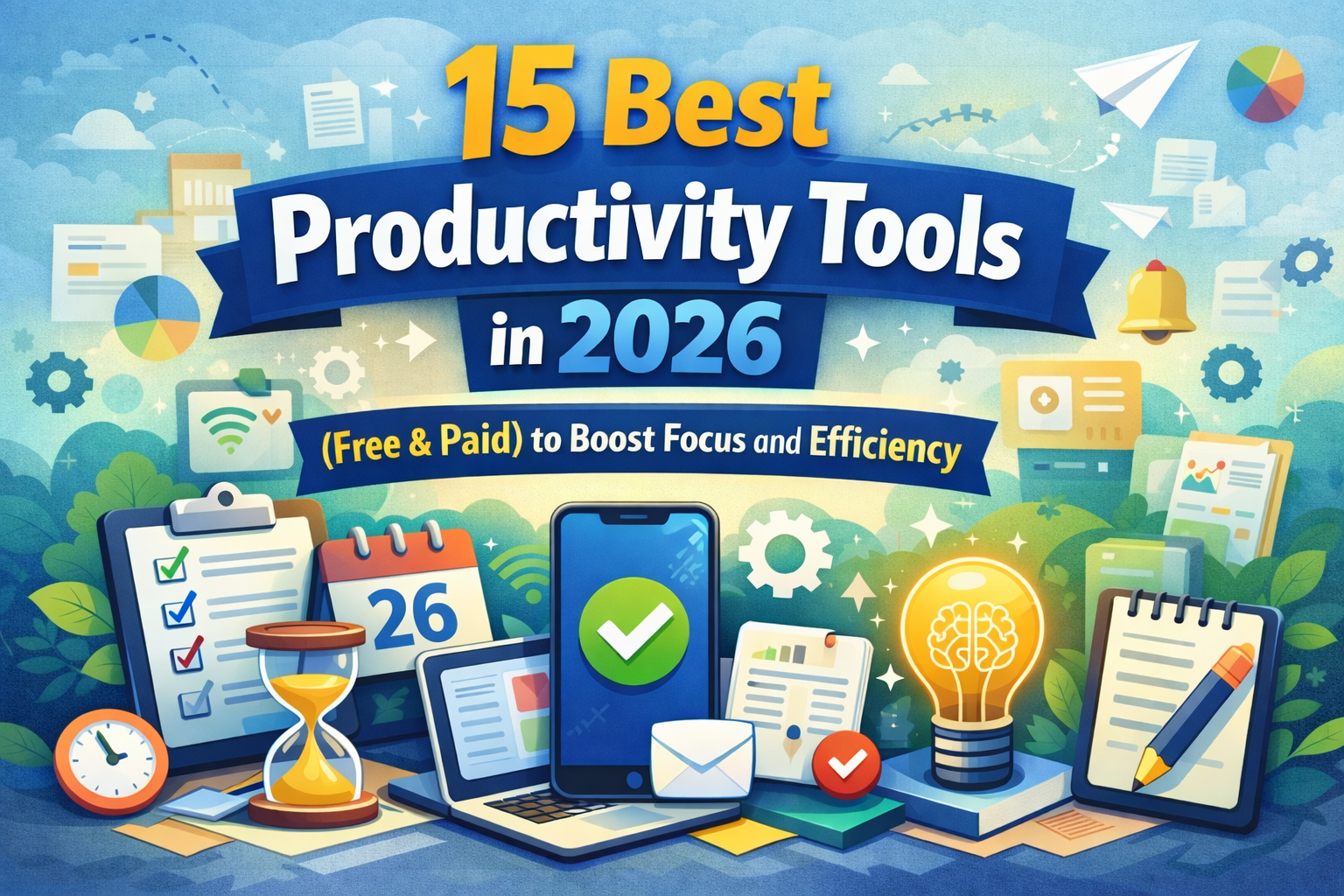
Work in 2026 looks very different from just a few years ago. Hybrid schedules, remote teams, AI-driven workflows, and constant digital notifications have reshaped how people manage their time and energy. While technology has made work faster, it has also made focus harder to maintain. That’s why productivity tools matter more than ever.
They are no longer “nice-to-have” extras—they are essential systems that help individuals and teams stay organized, reduce stress, and produce meaningful results without burning out.
Why productivity tools matter more in 2026
The modern worker deals with dozens of apps, messages, and tasks every day. Without the right structure, work quickly becomes reactive instead of intentional. Tools designed for organization, automation, and focus help create clarity in this chaos and allow people to spend more time on high-value work rather than busywork.
Common productivity challenges
Many people struggle with:
- Constant distractions from notifications and social platforms
- Information overload from emails, files, and tools
- Burnout caused by poor time management
- Difficulty prioritizing tasks effectively
These challenges affect not just output but also mental well-being.
How the right tools improve focus and efficiency
The right software simplifies workflows, automates repetitive tasks, and centralizes information. This leads to better focus, fewer errors, and higher-quality output. For businesses, it can also improve collaboration, accountability, and financial visibility especially when paired with solutions like the best accounting software for tracking expenses and cash flow.
What you’ll learn in this guide
This guide breaks down 15 categories of essential tools, explains who they’re best for, and helps you decide whether free or paid options make sense for your goals.
How We Chose the Best Productivity Tools
Not every tool deserves a place in your workflow. Selection matters.
Selection criteria
Each tool category was evaluated based on:
- Core features and flexibility
- Ease of use and learning curve
- Pricing and value for money
- Integration with other platforms
- Suitability for individuals and teams
Free vs paid tools explained
Free plans are excellent for getting started, but paid versions often unlock advanced automation, analytics, and collaboration features. The key is understanding when an upgrade actually saves time or money.
Who this list is for
This guide is designed for:
- Students managing studies and deadlines
- Professionals juggling multiple responsibilities
- Teams working remotely or across time zones
- Creators, freelancers, and small business owners
15 Best Productivity Tools in 2026 (Free & Paid)
1. Task Management Tool
Category: Task Management
Key features:
- Task lists with priorities and deadlines
- Subtasks and recurring reminders
- Visual boards for workflow tracking
Best use case:
Individuals or teams who want clear visibility into daily and long-term tasks.
Free vs paid plans:
Free plans handle basic task lists, while paid tiers add automation and advanced reporting.
Pros & cons:
Pros include clarity and structure; cons may include setup time for complex workflows.
2. Time Tracking Tool
Category: Time Tracking
Key features:
- Automatic activity tracking
- Manual timers for focused sessions
- Reports showing time usage patterns
Best use case:
Freelancers, agencies, and professionals billing by hours.
Free vs paid plans:
Free versions cover basic tracking; paid plans offer invoicing and deeper insights.
Pros & cons:
Excellent for accountability, but some users find tracking intrusive.
3. Focus & Distraction Blocking Tool
Category: Focus Management
Key features:
- App and website blocking
- Focus sessions and break timers
- Usage analytics
Best use case:
Anyone struggling with digital distractions.
Free vs paid plans:
Free tools offer basic blocking; paid versions allow scheduling and deeper control.
Pros & cons:
Boosts focus significantly, but requires discipline to use consistently.
4. Note-Taking Tool
Category: Note-Taking
Key features:
- Rich text and multimedia notes
- Searchable databases
- Cross-device sync
Best use case:
Students, researchers, and professionals managing large volumes of information.
Free vs paid plans:
Free plans suit casual use; paid versions unlock collaboration and storage.
Pros & cons:
Flexible and powerful, but can feel overwhelming at first.
5. Project Management Tool
Category: Project Management
Key features:
- Task dependencies
- Timeline and milestone tracking
- Team collaboration features
Best use case:
Teams managing complex, multi-step projects.
Free vs paid plans:
Free tiers suit small teams; paid plans support scaling.
Pros & cons:
Excellent oversight, but heavier than simple task tools.
6. Calendar & Scheduling Tool
Category: Scheduling
Key features:
- Smart scheduling links
- Time zone support
- Calendar integrations
Best use case:
Professionals who attend frequent meetings.
Free vs paid plans:
Free versions work for individuals; paid plans add team scheduling.
Pros & cons:
Saves time, but relies on accurate calendar management.
7. Automation & Workflow Tool
Category: Automation
Key features:
- Trigger-based workflows
- App integrations
- No-code automation
Best use case:
Users looking to eliminate repetitive tasks.
Free vs paid plans:
Free plans allow limited automations; paid tiers expand possibilities.
Pros & cons:
Huge time saver, but requires setup effort.
8. Collaboration & Team Productivity Tool
Category: Team Communication
Key features:
- Channels and threads
- File sharing
- Integration with other tools
Best use case:
Remote and hybrid teams.
Free vs paid plans:
Free plans suit small teams; paid plans improve control and security.
Pros & cons:
Improves collaboration but can increase message overload.
9. Writing & Content Creation Tool
Category: Writing
Key features:
- Grammar and tone suggestions
- Content structuring tools
- Export options
Best use case:
Writers, marketers, and students.
Free vs paid plans:
Free tools handle basics; paid versions improve quality and speed.
Pros & cons:
Improves clarity, but should not replace human judgment.
10. AI Productivity Assistant
Category: AI Assistance
Key features:
- Task summarization
- Draft generation
- Workflow suggestions
Best use case:
Professionals handling high information volume.
Free vs paid plans:
Free tiers offer limited queries; paid plans unlock advanced models.
Pros & cons:
Saves time, but accuracy must be reviewed.
11. Knowledge Management Tool
Category: Knowledge Base
Key features:
- Centralized documentation
- Searchable archives
- Team access controls
Best use case:
Organizations storing internal knowledge.
Free vs paid plans:
Free for personal use; paid for teams.
Pros & cons:
Improves continuity, but requires upkeep.
12. Habit & Goal Tracking Tool
Category: Personal Development
Key features:
- Daily habit tracking
- Progress analytics
- Reminders
Best use case:
Individuals building consistency.
Free vs paid plans:
Free plans suffice for basics; paid versions add insights.
Pros & cons:
Motivating, but results depend on commitment.
13. Email & Communication Management Tool
Category: Communication
Key features:
- Smart inbox sorting
- Scheduled sending
- Follow-up reminders
Best use case:
Professionals dealing with heavy email volumes.
Free vs paid plans:
Free tools help organize; paid versions enhance automation.
Pros & cons:
Reduces clutter, but setup can be time-consuming.
14. File & Document Organization Tool
Category: File Management
Key features:
- Cloud storage
- Version control
- Sharing permissions
Best use case:
Teams and businesses handling shared documents.
Free vs paid plans:
Free plans offer limited storage; paid plans scale easily.
Pros & cons:
Secure and accessible, but dependent on internet access.
15. All-in-One Productivity Platform
Category: All-in-One Platform
Key features:
- Tasks, notes, and collaboration in one place
- Integrations with finance tools
- Reporting dashboards
Best use case:
Businesses seek fewer tools and better visibility, often alongside the best accounting software for financial operations.
Free vs paid plans:
Free tiers are limited; paid plans offer full ecosystem access.
Pros & cons:
Streamlined workflows, but less customization than specialized tools.

Free vs Paid Productivity Tools: Which Should You Choose?
Free tools are often enough for individuals just starting out or managing simple workflows. They help test systems without financial risk.
Paid tools make sense when:
- Time saved translates directly into revenue
- Teams need collaboration features
- Advanced reporting or automation is required
The return on investment often becomes clear within weeks when tools replace manual work.
How to Choose the Right Productivity Tool for You
Solo users vs teams
Solo users benefit from simplicity, while teams need collaboration and accountability features.
Remote vs office work
Remote teams require stronger communication and documentation systems.
Tech skill level considerations
Choose tools that match your comfort level to avoid frustration and abandonment.
Productivity Tips to Maximize These Tools
- Avoid tool overload—fewer, better tools work best
- Build a simple stack that integrates smoothly
- Focus on consistency, not perfection
Even the best productivity tools only work when used intentionally.
Conclusion
The right tools can transform how you work in 2026. From managing tasks and focus to collaboration and financial clarity, each category serves a specific purpose. The key is testing, refining, and committing to systems that support your goals.
Work smarter, stay flexible, and let technology serve you—not the other way around.
Top 5 FAQs
1. Are free productivity tools effective?
Yes, especially for individuals and small teams with simple workflows.
2. Can too many tools reduce efficiency?
Absolutely. Tool overload often creates confusion instead of clarity.
3. What’s the best tool for focus in 2026?
Focus and distraction-blocking tools combined with task managers work best.
4. Do businesses need paid productivity software?
Most growing businesses benefit from paid plans due to automation and insights.
5. Should productivity tools integrate with accounting software?
Yes, especially when financial tracking and time management are closely linked.