Mohammed Wasim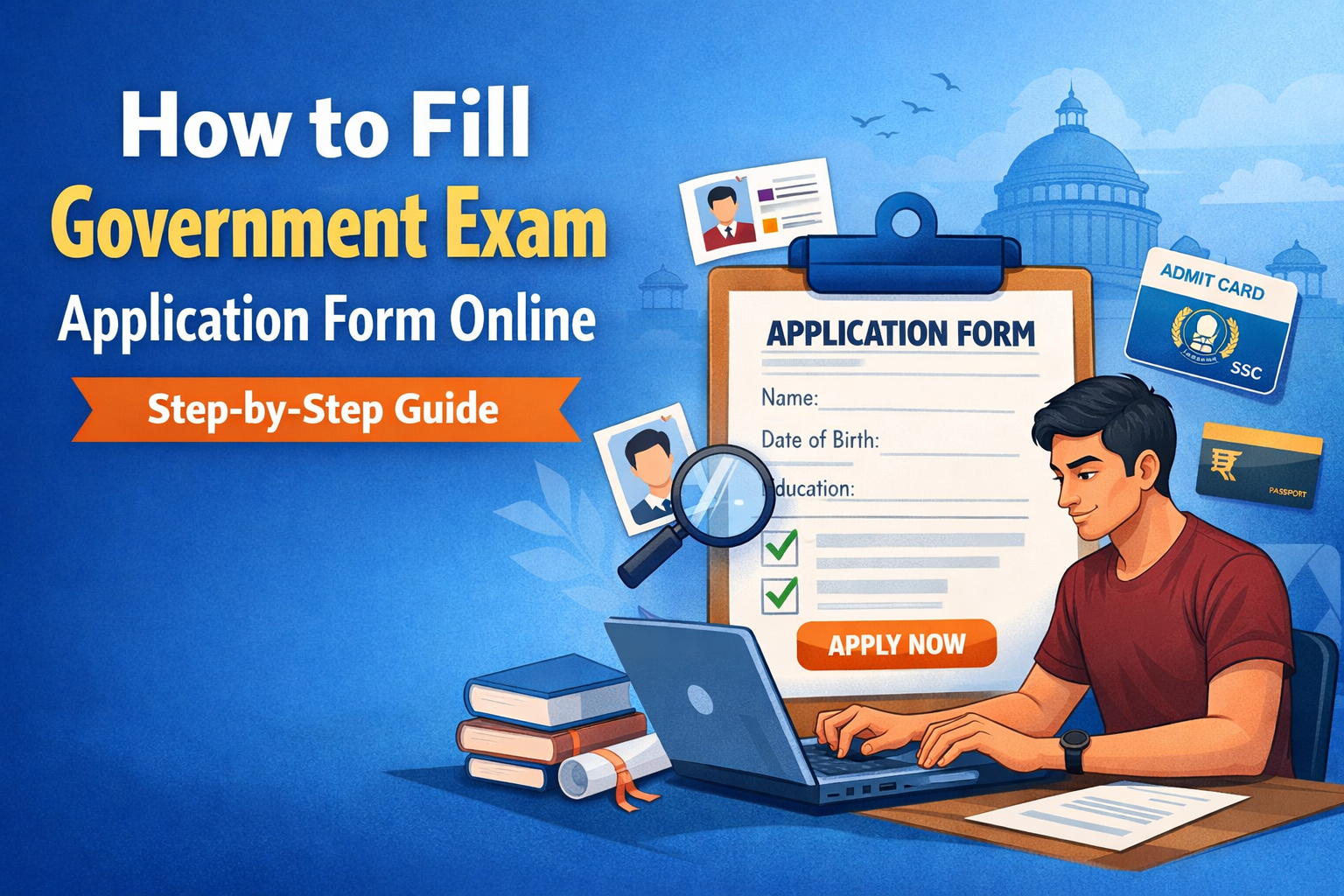
Government jobs in India are considered one of the most secure and respected career options. Every year, millions of candidates apply Government exam application for various recruitment exams conducted by organizations such as the Staff Selection Commission, Union Public Service Commission, banking institutions, and railway recruitment boards. These opportunities attract applicants from across the country because they offer stability, attractive benefits, and long-term career growth.
Before appearing for any competitive exam, candidates must complete the Government exam applications and Form Fillups process through the official website of the respective authority. While the procedure may seem simple, many applicants face difficulties while submitting their forms. Small mistakes such as incorrect personal information, wrong document uploads, or missing deadlines can lead to rejection.
For first-time applicants especially, the process may feel confusing. Online forms usually require multiple steps including registration, uploading documents, entering educational information, and completing payment. Without proper guidance, candidates may make errors that delay their application or prevent them from participating in the exam.
This detailed guide explains the entire process of completing Government exam applications and Form Fillups in a simple and clear manner. By following the steps mentioned below, candidates can ensure that their forms are submitted correctly and successfully.
What is a Government Exam Application Form?
A government exam application form is an online document that candidates must fill out to register for a specific recruitment examination. It collects important information about the applicant, including personal details, educational qualifications, contact information, and eligibility criteria.
The main purpose of this form is to allow examination authorities to verify whether a candidate meets the required qualifications for the job. Once the form is submitted and approved, the candidate becomes eligible to appear for the examination.
Many competitive exams require applicants to complete the process online through official portals. Some of the most popular examinations that require digital registration include recruitment conducted by the Staff Selection Commission, civil service examinations, banking recruitment tests, and railway recruitment drives.
Accuracy plays a very important role when submitting an application. The information provided in the form must match official documents such as identity cards and educational certificates. Even a minor spelling error or incorrect date of birth can create problems later during verification stages.
Therefore, candidates should take enough time to carefully review every section before submitting their forms. Proper attention to detail ensures that the application process goes smoothly.
Documents Required Before Filling Government Exam Form
Before starting the application process, it is important to keep all necessary documents ready. Having these documents prepared in advance saves time and helps avoid mistakes during Government exam applications and Form Fillups.
Personal Identification Documents
Identity proof is required to confirm the applicant’s personal details. Some commonly accepted identification documents include:
- Aadhaar Card
- PAN Card
- Voter ID
These documents help verify the applicant’s identity, date of birth, and address. Candidates should ensure that the details entered in the form match exactly with the information on these documents.
Educational Documents
Educational qualification details are required for most recruitment exams. Candidates should keep their academic records ready while filling the form.
Common documents required include:
- 10th certificate
- 12th certificate
- Graduation certificate
These documents confirm that the candidate meets the minimum educational requirements for the exam.
Photo and Signature
Most online forms require applicants to upload a passport-size photograph and a digital signature.
Important points to remember:
- The photograph should be recent and clear.
- The background should usually be plain.
- The signature should be scanned clearly and saved in the required format.
Each exam authority provides specific guidelines for image size and format, so candidates should follow these instructions carefully.
Category Certificates (If Applicable)
Candidates belonging to reserved categories may need to provide additional documents.
Examples include:
- SC/ST certificate
- OBC certificate
- EWS certificate
These certificates help determine eligibility for reservation benefits or fee concessions.
Step-by-Step Process to Fill Government Exam Application Form Online
Completing Government exam applications and Form Fillups involves several steps. Following the correct sequence will help ensure that the form is submitted successfully.
Step 1 – Visit the Official Website
The first step is to visit the official website of the examination authority. Candidates should always use the official portal to avoid scams or incorrect information.
Examples include the websites of recruitment authorities responsible for staff selection, civil services examinations, or railway recruitment.
Once on the website, look for the “Apply Online” or “New Registration” section.
Step 2 – Register Yourself
Before filling the main form, candidates must create an account on the portal. This process usually requires basic information such as:
- Full name
- Email address
- Mobile number
After registration, a unique registration number and password are generated. These credentials are required to access the application form.
Step 3 – Login to Your Account
After completing registration, candidates must log in to their account using the registration ID and password.
Once logged in, the application dashboard will display available recruitment notifications and application forms.
Step 4 – Fill Personal Details
The next step is entering personal information.
This section generally includes:
- Name
- Date of birth
- Gender
- Address
Candidates should ensure that these details exactly match their official documents to avoid issues during verification.
Step 5 – Enter Educational Qualifications
In this section, applicants must provide details about their academic background.
Information usually required includes:
- School details
- Graduation details
- Percentage or grades obtained
Candidates should double-check all information before moving to the next step.
Step 6 – Upload Photo and Signature
After entering personal and educational details, candidates must upload their photograph and signature.
Important points to remember:
- Follow the specified image size.
- Use the correct file format.
- Ensure the image is clear and readable.
Failure to follow these guidelines may result in rejection of the application.
Step 7 – Pay the Application Fee
Most examinations require payment of an application fee. Online payment options usually include:
- Debit card
- Credit card
- UPI
- Net banking
Some candidates may be eligible for fee exemptions depending on category or gender.
Step 8 – Review and Submit the Form
Before final submission, candidates should carefully review all the information entered in the form.
Check for:
- Spelling errors
- Incorrect personal details
- Missing information
Once satisfied, submit the form.
Step 9 – Download Confirmation Page
After successful submission, the system generates a confirmation page.
Candidates should download or print this page for future reference. It serves as proof that the application has been submitted successfully.
Common Mistakes to Avoid While Filling Government Exam Forms
Many applicants make small errors during the process of submitting Government exam applications and Form Fillups. These mistakes can sometimes lead to rejection.
Common errors include:
- Entering incorrect personal details
- Uploading photos that do not meet size requirements
- Spelling mistakes in the candidate’s name
- Selecting the wrong category
- Missing the application deadline
Taking extra time to review the form can help prevent these problems.
Tips for Filling Government Exam Application Form Successfully
Submitting an application successfully requires attention and preparation. Here are some useful tips:
- Always read the official notification carefully before starting the form.
- Keep all necessary documents ready.
- Use a stable internet connection while filling the form.
- Take your time and review each section carefully.
- Double-check the information before final submission.
Following these tips will help ensure a smooth application process.
What to Do After Submitting the Application Form?
Once the form is submitted, the process does not end there. Candidates should take a few important steps to stay prepared.
First, download the confirmation page and save it for future reference. This document may be required during the admit card download or document verification stage.
Next, keep the payment receipt safely in case any payment issues arise.
Candidates should also regularly check the official website for updates related to exam dates, admit cards, and other announcements.
Finally, after completing the application process, the focus should shift toward exam preparation.
Conclusion
Applying for a government recruitment exam is an important step for candidates aiming to build a stable and rewarding career. Completing the application process correctly ensures that applicants can participate in the examination without facing unnecessary issues later.
By understanding the requirements, preparing documents in advance, and carefully following each step, candidates can complete their Government exam applications and Form Fillups without difficulty.
Paying attention to details, avoiding common mistakes, and reviewing the form before submission greatly increases the chances of a successful application.
For many aspirants, submitting the application form is the first step toward achieving their goal of securing a government job. With proper preparation and guidance, the process becomes simple and manageable.
FAQs
1. What documents are required to fill a government exam application form?
Candidates usually need identity proof, educational certificates, a passport-size photo, digital signature, and category certificate if applicable.
2. Can I edit my application form after submission?
Some examination authorities allow corrections during a specific correction window. However, not all exams provide this option.
3. What happens if I upload the wrong photo or signature?
If the uploaded images do not meet the required format or size, the application may be rejected or candidates may be asked to correct it during the correction period.
4. Is it necessary to pay the application fee online?
Most recruitment exams require online payment through debit card, credit card, UPI, or net banking.
5. How can I check if my application has been submitted successfully?
After submission, a confirmation page or application number is generated. Candidates should download and save this document as proof of successful registration.


 Dyler Tome