If you’ve ever opened a video editing tool and felt completely lost within minutes, you’re not alone. Most beginners quit before finishing their first video—not because editing is difficult, but because the tools feel overwhelming at the start.
But things are changing.
With the rise of AI-powered video editing, beginners no longer have to struggle with complex timelines, manual cuts, or technical settings. AI is simplifying the entire process—making video creation faster, easier, and far more accessible.
Video content is now at the center of everything online. Whether it’s YouTube tutorials, Instagram reels, or business promotions, video consistently drives higher engagement than text or images. The difference today? You don’t need advanced skills to get started.
The right AI video editing tool doesn’t just help you edit—it helps you create.
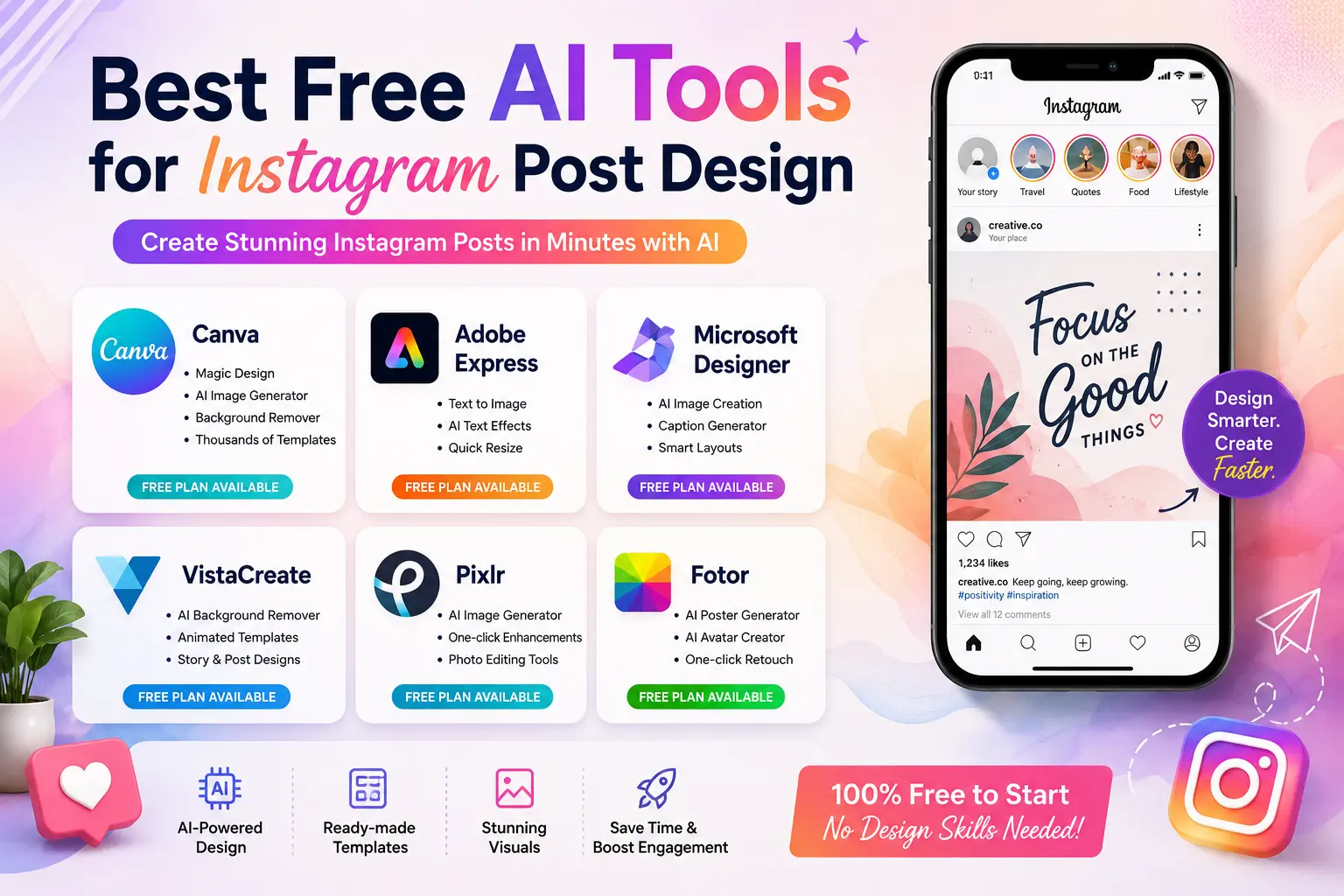
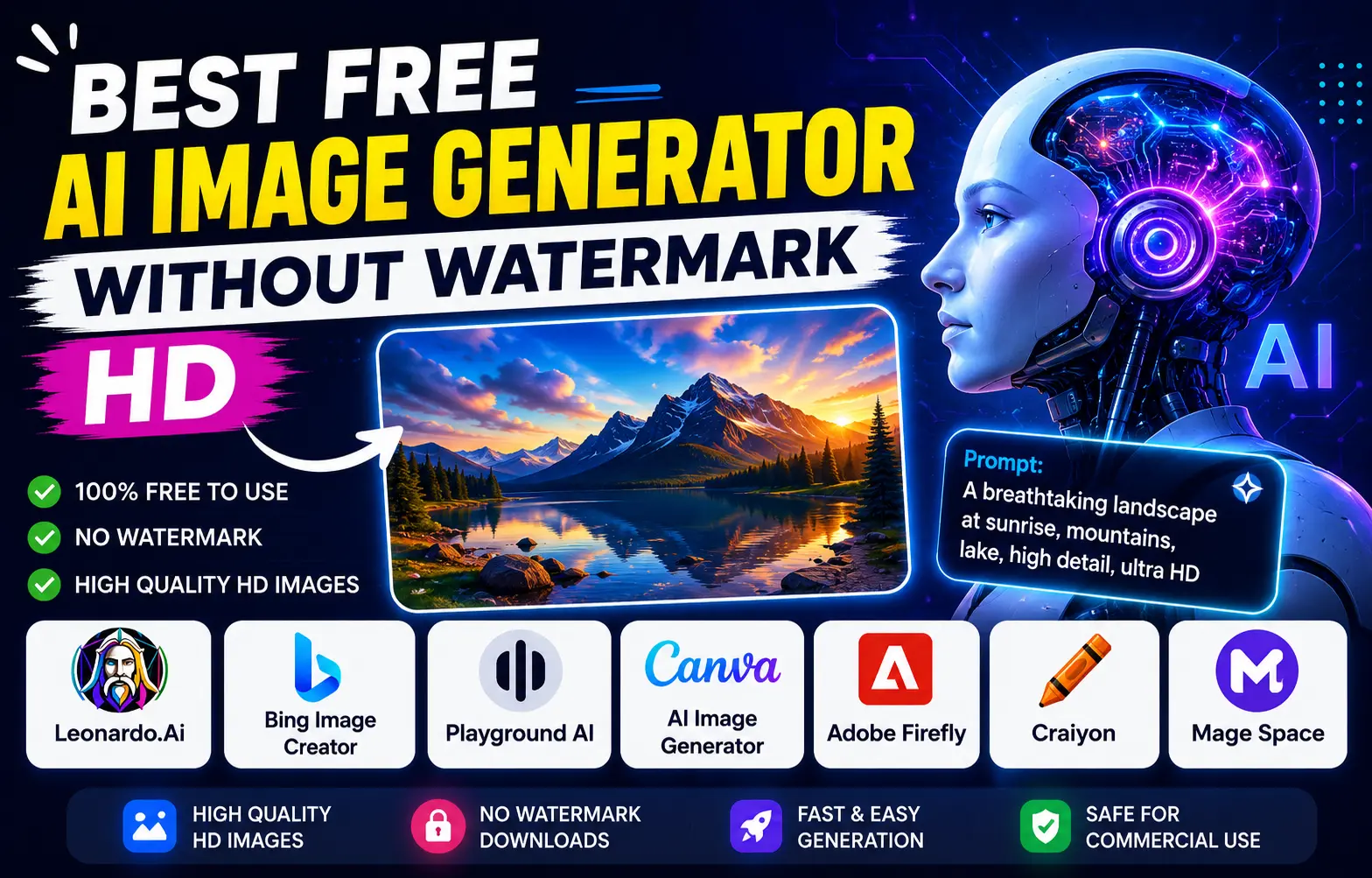
At the same time, visuals beyond video—like thumbnails and social graphics—are just as important. Many creators now rely on AI-powered image tools to generate high-quality visuals instantly, without needing design expertise.
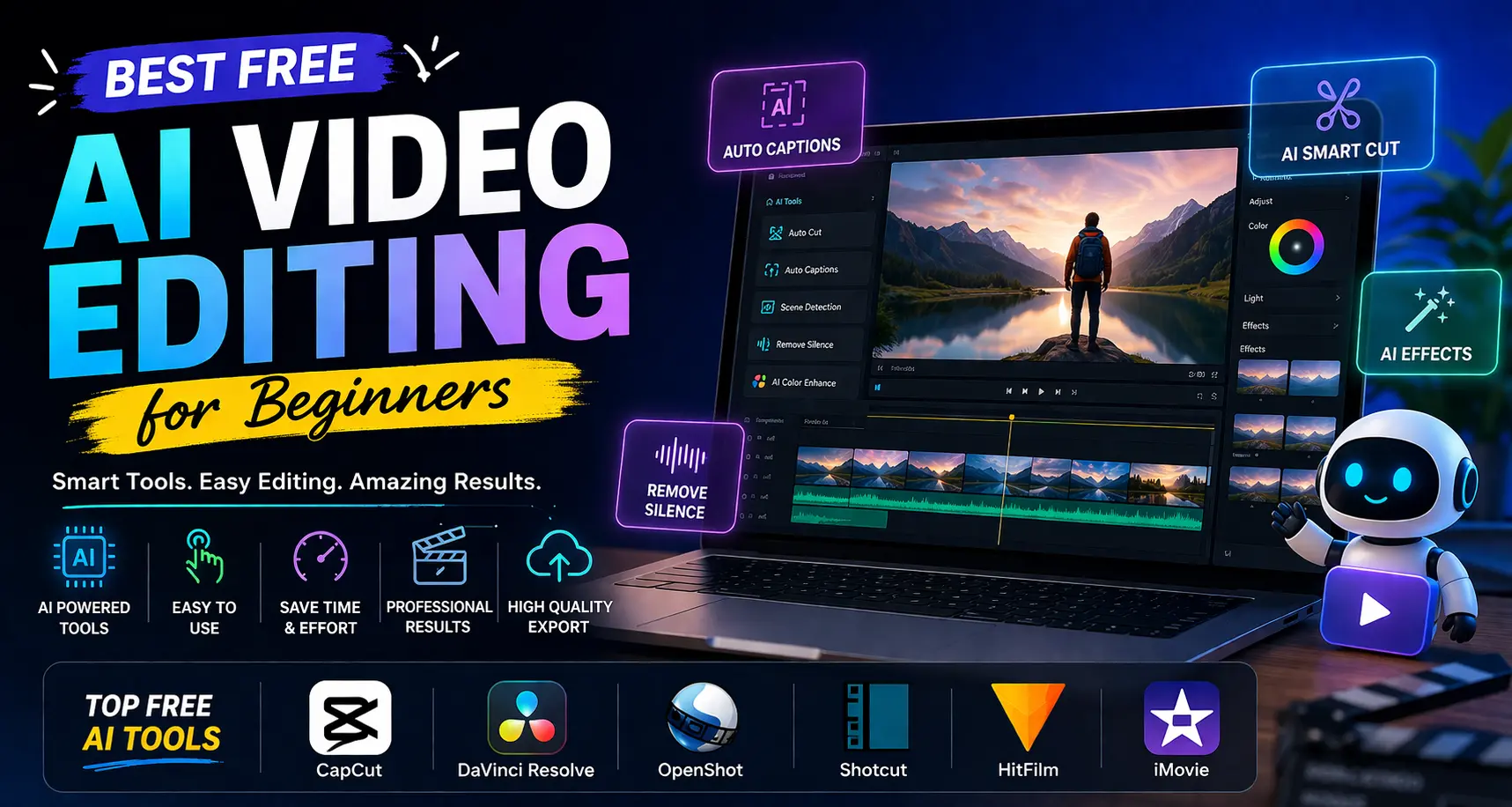
In this guide, you’ll discover beginner-friendly AI video editing tools along with practical insights to help you start confidently and improve faster.
What to Look for in AI Video Editing Software
Before choosing a tool, it’s important to understand what actually matters—especially with AI in the mix.
✔️ AI-Powered Automation
Look for tools that offer:
- Auto captions
- Smart cutting (removing silences)
- Scene detection
- One-click edits
👉 These features save hours of manual work.
✔️ Simple Interface
AI should simplify—not complicate.
A clean layout helps you:
- Focus on creativity
- Avoid confusion
- Edit faster
✔️ Drag-and-Drop Editing
Even with AI, manual control matters.
This allows you to:
- Rearrange clips easily
- Add music, text, and effects
- Customize your video without technical skills
✔️ Smart Templates & Presets
AI-based templates can:
- Automatically structure your video
- Add transitions and effects
- Maintain consistency
👉 Perfect for beginners who don’t know where to start.
✔️ High-Quality Export
Your final video should look professional.
Choose tools that support:
- HD or 4K export
- Platform-ready formats
✔️ No Watermark (Preferred)
Clean output is important—especially if you’re building a brand.
Best Free AI Video Editing Tools for Beginners
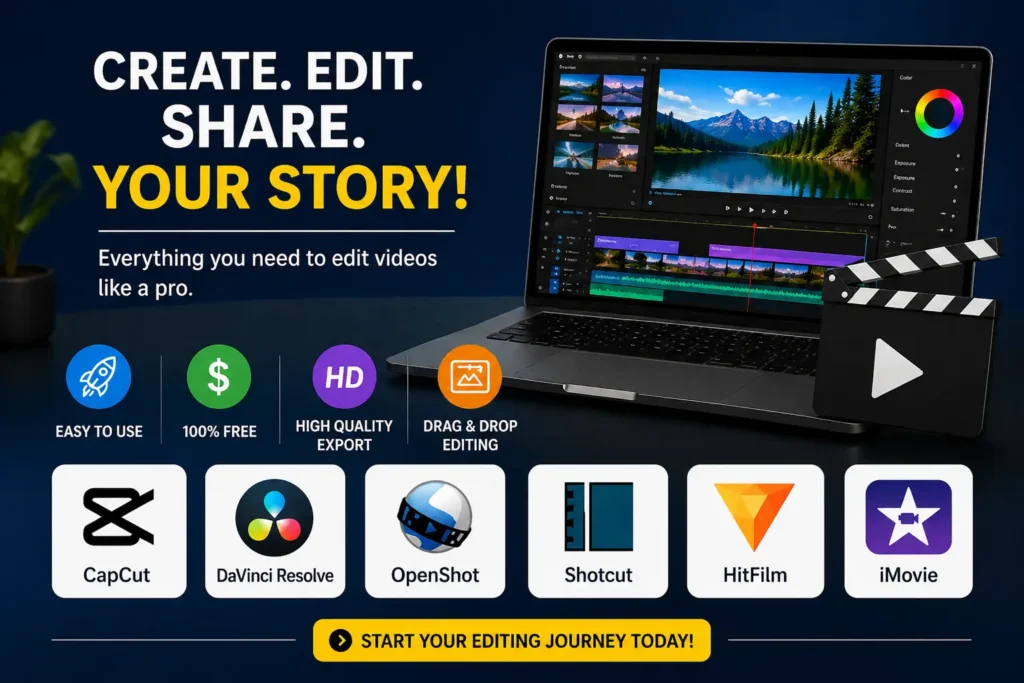
Here are tools that combine ease of use + AI features to help you get started quickly.
1. CapCut (AI-Powered & Beginner Friendly)
CapCut has evolved into one of the most powerful AI video editing tools for beginners.
Why it works:
- Auto captions and subtitle generation
- AI background removal
- Ready-made templates
- One-click editing features
Best for:
Short-form content like reels, YouTube Shorts, and social media videos.
Reality:
It’s built for speed. You can go from raw footage to final video in minutes.
2. DaVinci Resolve (AI + Professional Power)
DaVinci Resolve combines professional editing with advanced AI features.
What makes it powerful:
- AI scene detection
- Smart color correction
- Advanced audio tools
- High-end editing timeline
Best for:
YouTube creators and long-form content.
Reality:
It has a learning curve—but it grows with you.
3. OpenShot (Simple with Basic AI Integration)
OpenShot keeps things simple while slowly integrating smart features.
Why beginners like it:
- Clean interface
- Easy drag-and-drop editing
- Lightweight performance
Best for:
Basic editing and learning fundamentals.
4. Shotcut (Flexible Editing with Smart Tools)
Shotcut offers more control while remaining beginner-friendly.
Key advantages:
- Wide format support
- Customizable interface
- Clean export
Best for:
Users moving beyond basic editing.
5. HitFilm (Creative + Effects-Based Editing)
HitFilm blends editing with creative visual effects.
Highlights:
- Built-in effects and presets
- Layer-based editing
- Some AI-assisted tools
Best for:
Creative storytelling and effect-driven content.
6. iMovie (AI Simplicity for Apple Users)
iMovie is a smooth, beginner-friendly option for Mac users.
Why it’s popular:
- Clean interface
- Smart editing suggestions
- Optimized performance
Best for:
Personal projects and beginner YouTube content.
AI Video Editing Tools Comparison (Beginner to Advanced)
| Software | Best For | Ease of Use | AI Capability | Watermark | Platform |
|---|---|---|---|---|---|
| CapCut | AI-powered social media videos | ⭐ Very Easy | ⭐⭐⭐⭐ Advanced | No | Mobile / Desktop |
| DaVinci Resolve | Professional AI editing & color grading | ⭐⭐ Moderate | ⭐⭐⭐ Advanced | No | Windows / Mac |
| OpenShot | Basic editing with minimal AI support | ⭐⭐⭐ Easy | ⭐ Basic | No | Windows / Mac / Linux |
| Shotcut | Flexible editing with some AI tools | ⭐⭐ Moderate | ⭐⭐ Limited | No | Windows / Mac / Linux |
| HitFilm | Creative effects with AI enhancements | ⭐⭐ Moderate | ⭐⭐ Limited | Limited | Windows / Mac |
| iMovie | Simple AI-assisted editing (Apple) | ⭐ Very Easy | ⭐⭐ Basic | No | Mac / iOS |
Also know more about:
Top 10 Generative AI Tools in 2026 (Free & Paid)
15 Best Productivity Tools in 2026 (Free & Paid) and more
Free AI Video Editing vs Paid Tools
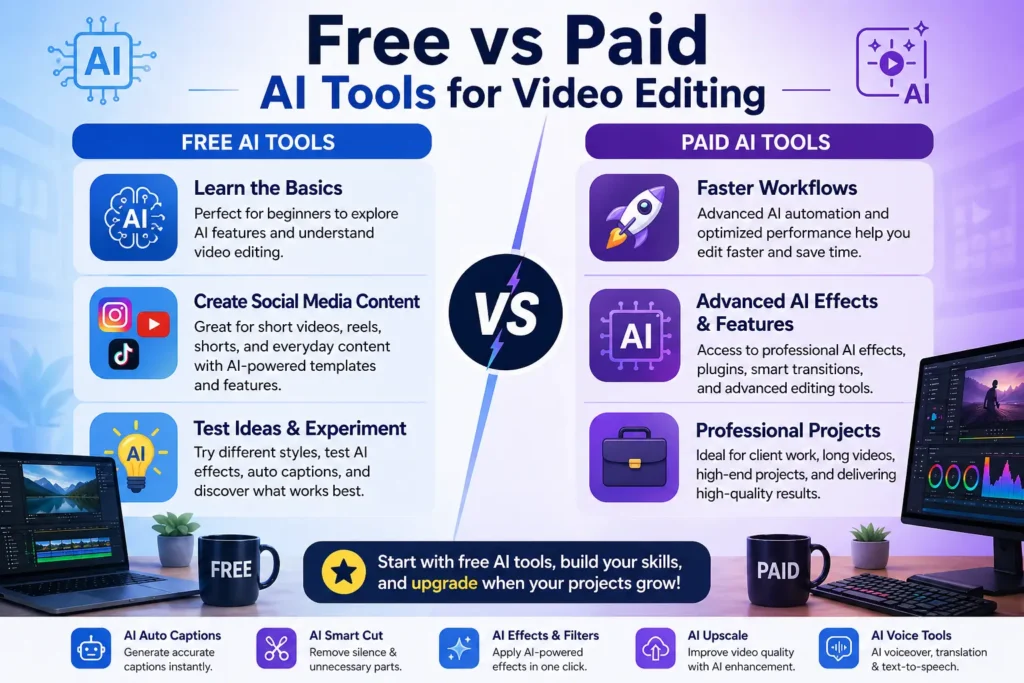
Most beginners assume paid software is necessary—but that’s not true.
Where Free AI Tools Are Enough:
✔️ Learning Basics
- Cutting clips
- Adding music
- Using AI captions
👉 Practice matters more than software.
✔️ Creating Social Media Content
AI tools already offer:
- Auto captions
- Templates
- Quick editing
👉 Perfect for reels and short videos.
✔️ Testing Content Ideas
Free tools allow you to:
- Experiment
- Learn quickly
- Improve without pressure
Where Paid Tools Help:
✔️ Faster workflows
What it means:
Paid tools are designed to help you edit more videos in less time.
How it helps:
- Faster rendering (export videos quickly)
- Smooth playback (no lag while editing)
- Keyboard shortcuts & automation
👉 Example:
Instead of spending 2 hours editing, you might finish in 45 minutes.
Why it matters when scaling:
If you’re posting regularly (YouTube, reels, clients), speed becomes critical.
✔️ Advanced AI automation
What it means:
Paid tools use more powerful AI features than free versions.
What AI can do:
- Automatically cut silences
- Add accurate subtitles
- Detect scenes and highlights
- Auto-edit full videos based on style
👉 Example:
Instead of manually cutting 100 clips, AI can do it in seconds.
Why it matters:
Saves massive time when creating content daily.
✔️ Professional-level effects
What it means:
You get access to high-quality visuals and effects used by professionals.
Includes:
- Cinematic color grading
- Motion graphics & animations
- Advanced transitions
- Visual effects (VFX)
👉 Example:
Your video goes from basic → polished, cinematic, and engaging
Why it matters:
Better visuals = higher:
- Watch time
- Engagement
- Professional credibility
✔️ Better performance
What it means:
Paid tools are optimized to handle heavy files and complex projects smoothly.
What improves:
- Editing 4K videos without lag
- Handling multiple layers/tracks
- Faster exports using GPU acceleration
👉 Example:
Free tools may lag or crash with big projects, while paid tools stay stable.
Why it matters:
As your content improves, your files become heavier—and you need reliable performance.
Paid tools become useful when you scale.
The Real Difference (AI Tools – Simple View)
| Free AI Tools | Paid AI Tools |
| Best for beginners | Best for professionals & creators |
| Covers basic AI editing | Offers advanced AI automation |
| Limited AI features | Full AI-powered creative flexibility |
| Slower for complex projects | Optimized for speed & efficiency |
| Great for learning | Ideal for scaling content creation |
Choosing the Right Tool for Your Goal
Your choice depends on what you want to create:
YouTube Beginners: CapCut or DaVinci Resolve
If you’re starting a YouTube channel, you need a balance between ease of use and quality output.
Why CapCut works:
- Quick and simple editing
- Built-in templates and captions
- Fast results without learning too much
👉 Best if you want to start uploading immediately
Why DaVinci Resolve works:
- Professional-level editing tools
- Better control over video and audio
- Scales as your channel grows
👉 Best if you’re thinking long-term and want to improve quality
✔️ Simple rule:
- Want speed → CapCut
- Want growth → DaVinci Resolve
Short-Form Content: CapCut
For reels, shorts, and quick videos, speed matters more than complexity.
Why CapCut is ideal:
- Designed for vertical videos
- Ready-made templates
- Auto captions and effects
👉 You can create and publish content in minutes.
✔️ Key advantage:
It removes friction—no complicated setup, just quick editing.
Simple Projects: OpenShot
If your goal is basic editing (like school projects, presentations, or simple videos), you don’t need advanced tools.
Why OpenShot works:
- Easy drag-and-drop interface
- Lightweight and simple
- No unnecessary features
👉 Perfect for learning without feeling overwhelmed.
✔️ Best for:
People who want clarity over complexity
Skill Growth: DaVinci Resolve
At some point, you’ll outgrow basic tools. That’s where learning a more advanced editor becomes valuable.
Why DaVinci Resolve is best for growth:
- Advanced editing capabilities
- Professional color grading
- Used in real production environments
👉 It allows you to move from beginner → intermediate → advanced without switching tools.
✔️ Long-term benefit:
You won’t need to relearn another software later.
For visuals like thumbnails, many creators now rely on AI-powered image tools to speed up their workflow and improve consistency.
The Growing Role of AI in Content Creation
Content creation is no longer limited to editing videos. Visual elements play a major role in attracting attention.
AI-based image tools help creators:
- Generate thumbnails quickly
- Design social media visuals
- Maintain consistent branding
Instead of spending hours designing from scratch, creators can now produce visuals in minutes, which improves both efficiency and output quality.
Practical Tips for Beginners
Starting small is the best approach.
✔️ Keep your first project simple
Focus on cutting clips and adding basic transitions.
✔️ Use templates
They save time and help maintain structure.
✔️ Prioritize storytelling
A clear message matters more than effects.
✔️ Practice consistently
Every project improves your skills.
✔️ Combine tools smartly
Use video editing software along with AI image tools for complete content creation.
For example, many beginners spend hours adding effects, only to realize later that clean edits and clear storytelling perform much better.
Conclusion
You don’t need expensive tools or advanced skills to start video editing today.
With the rise of AI video editing, what once took hours can now be done in minutes. Tasks like cutting clips, adding captions, and applying effects are no longer complex—they’re simplified.
From real-world experience, most beginners don’t struggle because editing is hard—they struggle because they overthink the starting point.
The key is not finding the perfect tool—but starting with one that feels easy and practical for you.
Tools like CapCut help you begin instantly with AI-powered features, while DaVinci Resolve gives you the flexibility to grow into more advanced editing as your skills improve.
Start small. Stay consistent. Improve with every video.
Because in today’s content-driven world—speed, consistency, and smart use of AI matter more than perfection.
And the sooner you start, the faster you improve.
Frequently Asked Questions (FAQs)
1. What is the best free AI video editing tool for beginners?
CapCut is one of the best options because it offers AI features like auto captions, templates, and simple editing tools.
2. Do free AI video editing tools have watermarks?
Some tools include watermarks, but many like CapCut and OpenShot allow clean exports.
3. Can AI edit videos automatically?
Yes, AI can automate tasks like cutting clips, adding captions, and applying effects, but manual adjustments are still important.
4. Is AI video editing good for YouTube?
Yes, AI tools help speed up editing and improve efficiency, making them ideal for YouTube creators.
5. Do I need professional skills to use AI video editing tools?
No, most AI tools are designed for beginners and require little to no technical experience.