YouTube is more competitive today than it was even a year ago. Every minute, thousands of creators upload videos across gaming, education, finance, tech, fitness, and entertainment niches. In this crowded environment, getting viewers to stop scrolling has become one of the biggest challenges for creators.
That first impression usually comes from the thumbnail.
Before viewers read a title or watch a single second of content, they notice the visual attached to the video. A strong thumbnail can dramatically improve click-through rate (CTR), while a weak one can bury even the best content. Many experienced creators now spend almost as much time optimizing thumbnails as they do editing videos because they understand how heavily thumbnails influence performance.
This shift has pushed creators toward faster and smarter design solutions. Instead of learning complicated editing software, many now rely on AI-powered tools to generate professional visuals in minutes. These platforms simplify the design process by offering automated layouts, image generation, smart text placement, and ready-made templates.
An AI Image Generator helps creators produce unique visuals using prompts and automation, while best AI tools for YouTube shorts allow even beginners to create polished graphics without paying for expensive software or hiring designers.
In this guide, you’ll learn:
- How AI thumbnail tools work
- The best free platforms available
- Tips to improve CTR using design psychology
- Common mistakes to avoid
- Future trends shaping thumbnail creation in 2026
Whether you’re starting a new channel or trying to improve existing performance, understanding thumbnail optimization can make a noticeable difference in your growth strategy.
What Is an AI Image Generator for YouTube Thumbnails?
Definition and How It Works
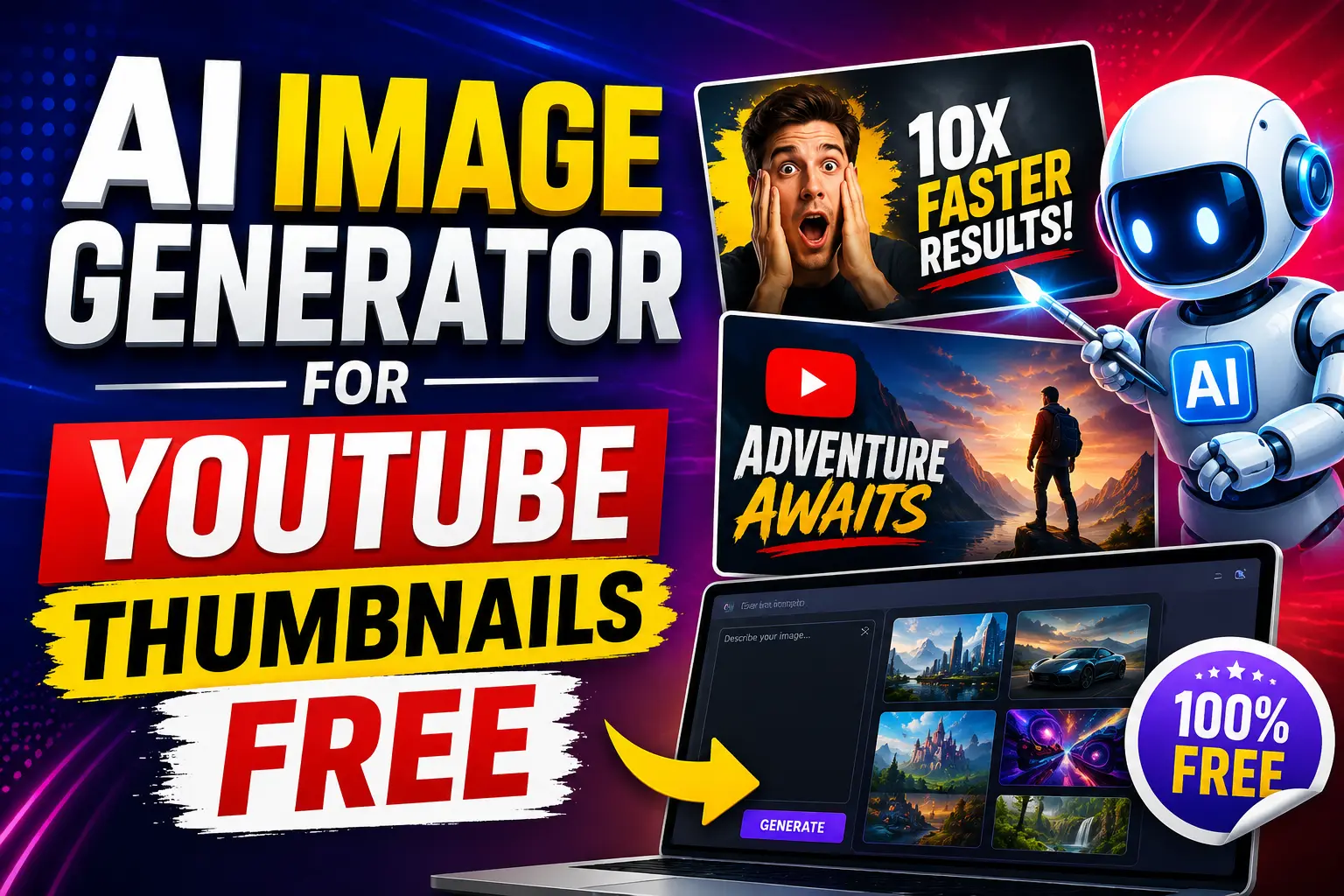
An AI-powered thumbnail generator is a tool that creates visuals automatically using machine learning and text-based prompts. Instead of manually designing every element, creators can describe the type of image they want, and the software generates it within seconds.
For example, a creator might enter:
- “Cinematic gaming thumbnail with neon lighting”
- “Professional business thumbnail with bold text”
- “Reaction face with dramatic background”
The system then analyzes the request and produces visuals based on patterns learned from millions of images, layouts, colors, and design styles.
Modern AI design tools can handle:
- Background generation
- Image enhancement
- Smart cropping
- Typography suggestions
- Color balancing
- Layout optimization
This drastically reduces the time needed to create engaging thumbnails.
Why YouTubers Are Using AI Tools
Many creators upload videos consistently, sometimes several times a week. Designing thumbnails manually for every upload quickly becomes exhausting.
AI tools solve this problem by simplifying the workflow.
Faster Workflow
A thumbnail that once required an hour of editing can now be generated in minutes. This allows creators to focus more on scripting, filming, and audience engagement.
No Graphic Design Experience Required
One of the biggest advantages is accessibility. Beginners who have never used Photoshop can still create attractive thumbnails using templates and automated design suggestions.
Cost-Effective for Small Creators
Hiring designers regularly is expensive, especially for smaller channels. Free AI tools provide an affordable solution without sacrificing quality.
AI Tools vs Traditional Editing Software
Traditional editing platforms offer complete creative control, but they also require technical knowledge and significant editing time.
AI-powered thumbnail generators prioritize speed and simplicity.
Manual Design vs Automation
Traditional software requires users to manually arrange text, effects, layers, and colors. AI systems automate much of that process while still allowing customization afterward.
Speed Comparison
For creators producing frequent uploads, speed matters. AI tools can generate multiple concepts quickly, making testing and experimentation easier.
That’s one reason many successful YouTubers now combine AI-assisted design with manual refinements instead of relying solely on traditional editors.
Benefits of Using Free AI Thumbnail Generators
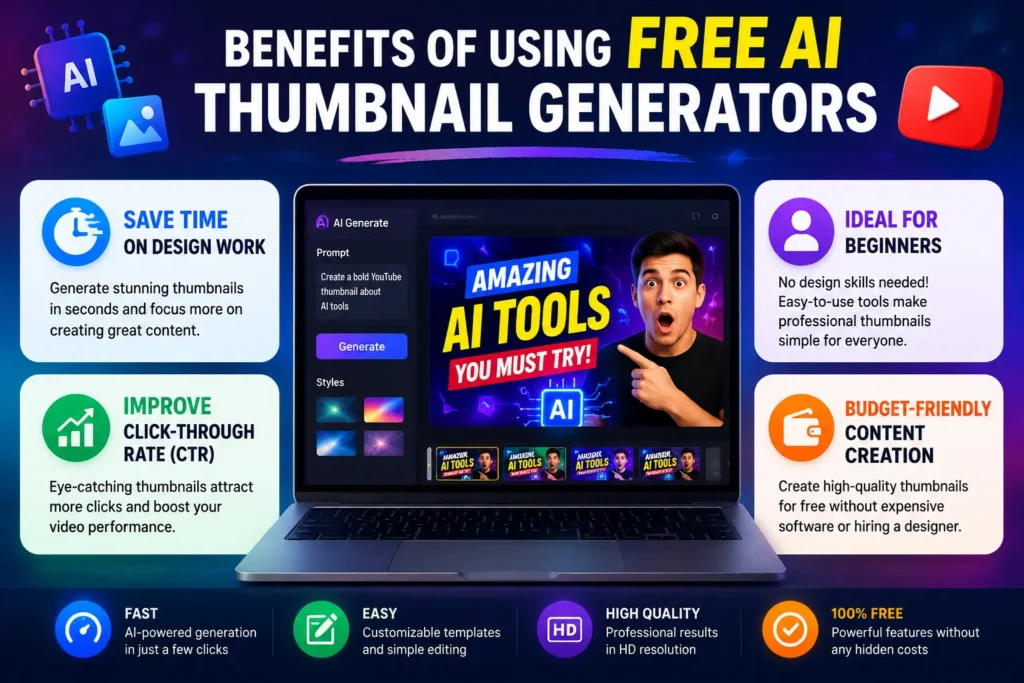
Save Time on Design Work
Time efficiency is one of the biggest reasons creators use AI tools.
Instead of starting from scratch every time, users can generate layouts instantly and modify them as needed. Most platforms include:
- Drag-and-drop editing
- Pre-built templates
- One-click resizing
- Automatic background suggestions
For creators managing several uploads weekly, this can save hours of work.
Improve Click-Through Rate (CTR)
YouTube’s algorithm pays close attention to viewer behavior. If people consistently click on a video, the platform sees it as valuable content.
Strong thumbnails improve:
- Curiosity
- Visual clarity
- Emotional response
- Viewer engagement
Small design changes can significantly impact performance. Many creators notice higher CTR after improving thumbnail contrast, text readability, or facial expressions.
Ideal for Beginners
Not everyone has advanced editing skills, and that’s perfectly fine.
Modern thumbnail tools are designed to be beginner-friendly. Most include:
- Ready-made templates
- Automatic alignment
- Font pairings
- Smart design suggestions
This removes the technical barrier that often discourages new creators.
Budget-Friendly Content Creation
Professional design software subscriptions can become expensive over time. Free thumbnail platforms allow creators to experiment without major investment.
Several tools also provide:
- Watermark-free exports
- Free daily image credits
- Social media optimization
- Basic AI editing features
For smaller channels, that flexibility matters a lot.
Best Free AI Image Generators for YouTube Thumbnails
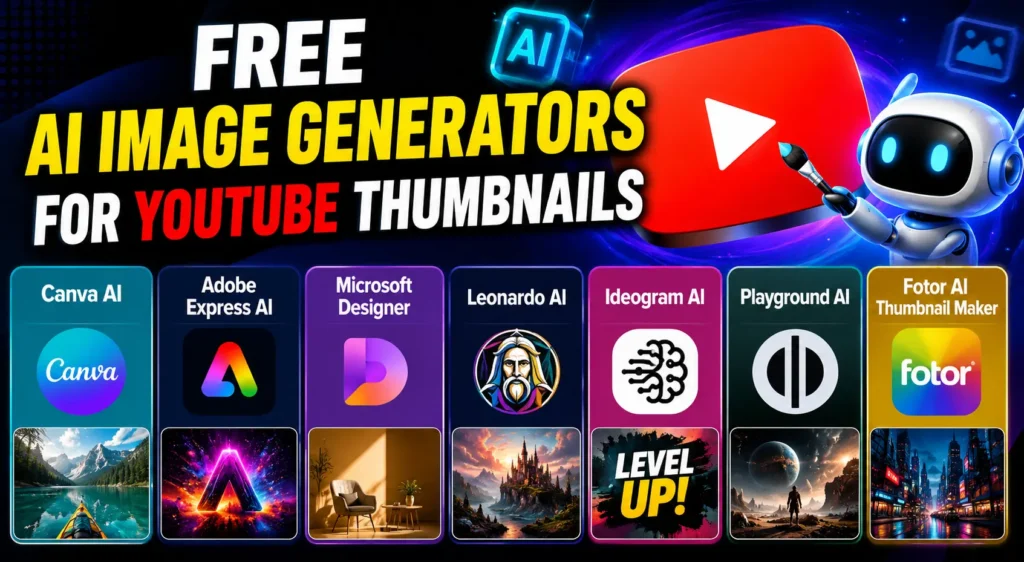
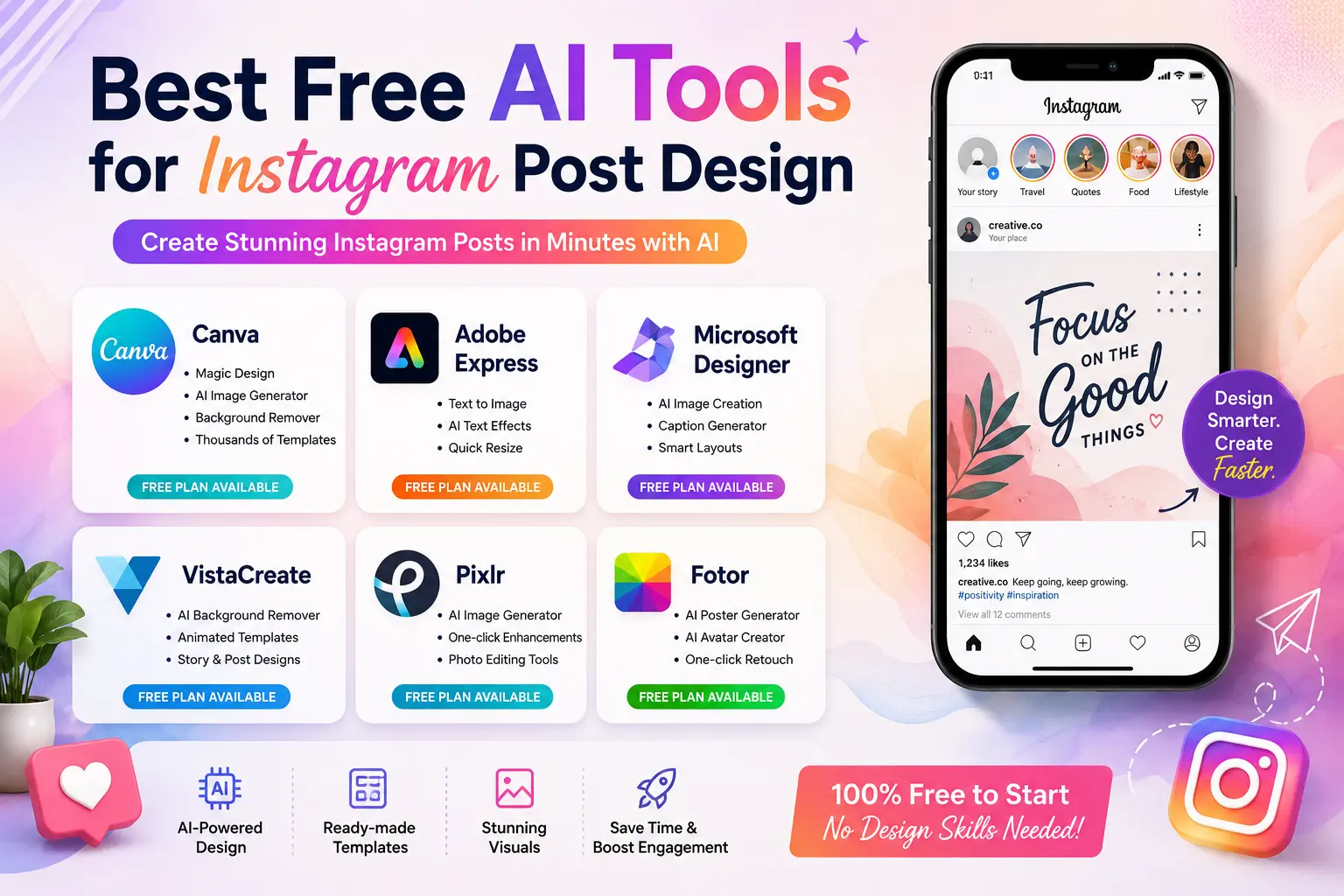
Canva AI
Canva remains one of the most accessible platforms for creators. Its AI-powered Magic Design feature simplifies layout creation and helps users generate clean, modern visuals quickly.
Best features:
- Beginner-friendly dashboard
- Large template library
- Easy text customization
- Fast resizing tools
It works especially well for educational, business, and lifestyle channels.
Adobe Express AI
Adobe Express combines automation with professional editing quality.
Creators can quickly:
- Generate concepts
- Resize visuals
- Remove backgrounds
- Customize typography
It’s a strong option for users who want polished results without learning complex software.
Microsoft Designer
Microsoft Designer focuses heavily on AI-assisted layouts and simplified editing.
Benefits include:
- Automatic design suggestions
- Smart visual balancing
- Clean interface
- Quick customization tools
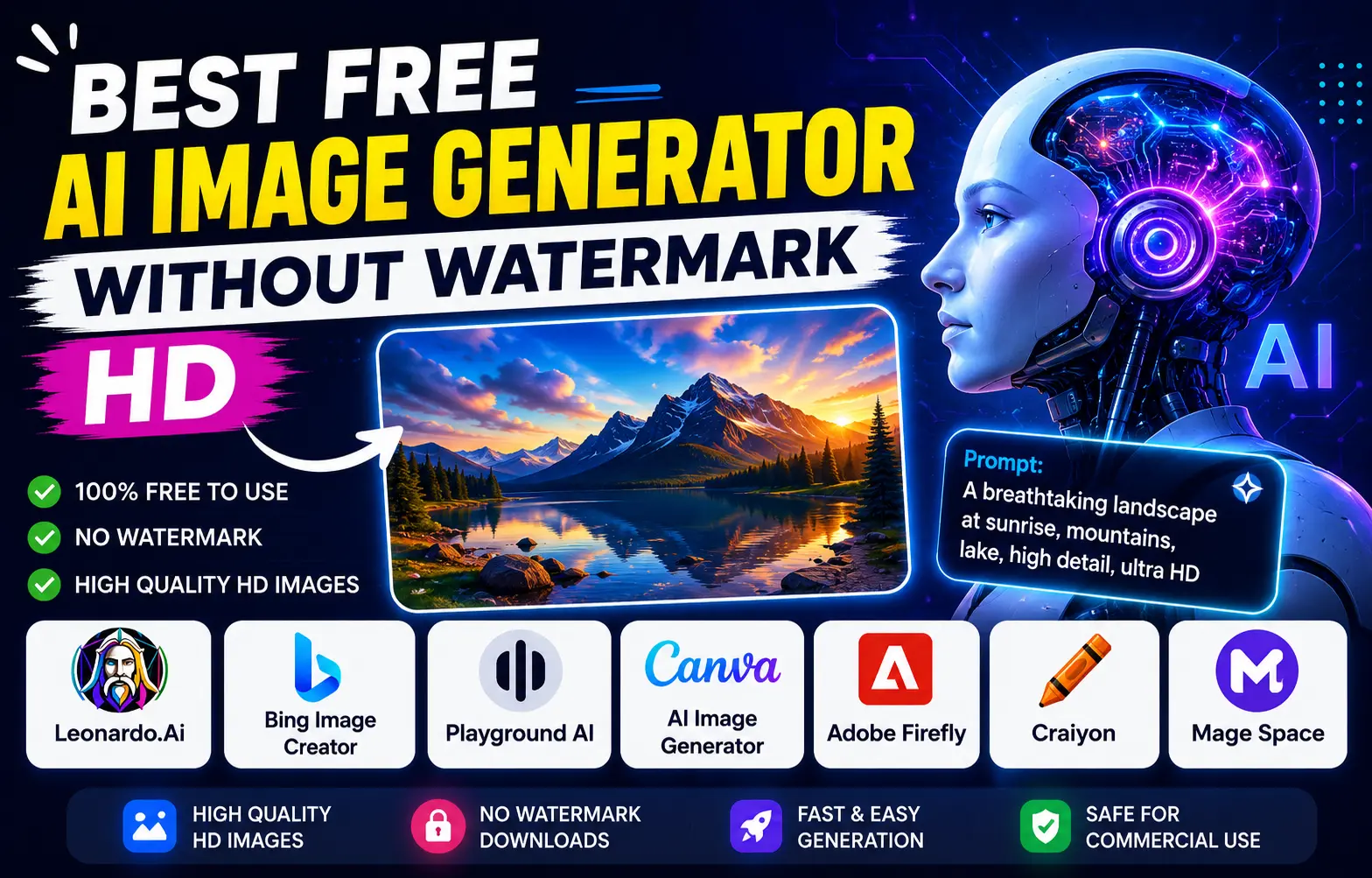
Leonardo AI
Leonardo AI has become popular among gaming and storytelling creators because of its cinematic image quality.
It performs particularly well for:
- Gaming channels
- Fantasy content
- Dramatic thumbnails
- High-detail artwork
Ideogram AI
Ideogram AI stands out because it generates readable text directly inside images, which many AI platforms still struggle with.
This makes it useful for:
- Bold typography
- Headline-focused thumbnails
- Social media visuals
Playground AI
Playground AI offers strong creative flexibility with different artistic styles and free daily image generation.
Creators often use it for:
- Experimental concepts
- Creative storytelling
- Unique visual aesthetics
Fotor AI Thumbnail Maker
Fotor focuses on simplicity and fast customization. It’s ideal for beginners who want ready-made layouts without a steep learning curve.
Comparison Table:
| Tool | Best For | Free Plan | Watermark-Free | Ease of Use | AI Features |
| Canva AI | Beginners & Tutorials | Yes | Yes | Very Easy | Templates, Magic Design |
| Adobe Express | Professional Designs | Yes | Limited | Easy | Background Removal |
| Leonardo AI | Gaming Thumbnails | Yes | Yes | Medium | Cinematic AI Art |
| Ideogram AI | Text-Based Thumbnails | Yes | Yes | Easy | AI Text Generation |
| Playground AI | Creative Styles | Yes | Yes | Medium | Multiple Art Styles |
| Fotor AI | Quick Editing | Yes | Limited | Very Easy | One-Click Generation |
Also know more about:
Auto Subtitle Generator AI for Reels Free
AI Reel Maker from Text Free Tools and more.
How to Create YouTube Thumbnails Using AI for Free
Step 1 – Choose the Right Tool
Not every platform suits every creator. Before selecting a tool, consider:
- Ease of use
- Export quality
- Watermark limitations
- Free usage limits
- Customization flexibility
Beginners usually benefit more from simple platforms before moving to advanced tools.
Step 2 – Write Better AI Prompts
Prompt quality directly affects image quality.
Instead of writing vague instructions, describe:
- Style
- Lighting
- Subject emotion
- Background
- Color theme
Example Prompt Ideas
- “Create a cinematic YouTube thumbnail for a tech review”
- “Bright gaming thumbnail with shocked expression”
- “Professional business thumbnail with bold text”
- “Fitness transformation thumbnail with dramatic lighting”
Detailed prompts generally produce more accurate results.
Step 3 – Customize the Design
AI-generated visuals are rarely perfect immediately. Small edits improve professionalism significantly.
Important adjustments include:
- Adding brand colors
- Improving text readability
- Adjusting contrast
- Repositioning elements
- Including logos consistently
Many experienced creators treat AI generation as the starting point, not the final product.
Step 4 – Export Properly
The recommended YouTube thumbnail size is:
- 1280 × 720 pixels
- JPG or PNG format
Using proper dimensions ensures the thumbnail appears sharp across desktop, tablet, and mobile devices.
Thumbnail Styles That Improve CTR
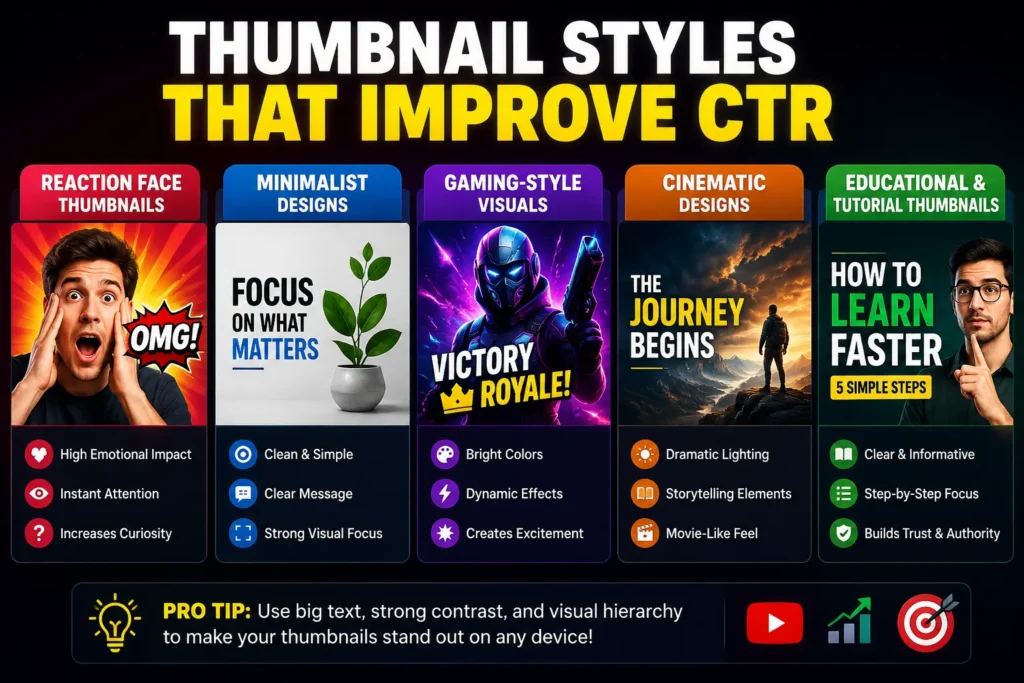
Reaction Face Thumbnails
Human emotions naturally attract attention.
Expressions showing:
- Shock
- Excitement
- Curiosity
- Fear
- Surprise
often perform well because viewers respond emotionally before logically processing information.
Minimalist Designs
Clean layouts can outperform crowded visuals.
A single focal point with bold text often works better than trying to include too many elements at once.
Gaming-Style Visuals
Gaming thumbnails commonly use:
- Neon lighting
- High saturation
- Dynamic motion effects
- Bold typography
These designs create energy and urgency.
Cinematic Designs
Movie-style thumbnails use dramatic lighting and storytelling aesthetics to build curiosity instantly.
This style works especially well for:
- Tech reviews
- Documentary content
- Storytelling channels
Educational and Tutorial Thumbnails
Educational content performs better with:
- Clear structure
- Readable typography
- Professional layouts
- Minimal distractions
Viewers should immediately understand the topic.
Example Table
| Thumbnail Style | Best For | CTR Potential | Difficulty Level |
| Reaction Face | Entertainment & Vlogs | Very High | Easy |
| Minimalist | Educational Videos | Medium-High | Easy |
| Gaming Style | Gaming Channels | Very High | Medium |
| Cinematic | Storytelling & Tech | High | Medium |
| Tutorial Style | How-To Videos | High | Easy |
Tips to Make AI-Generated Thumbnails More Effective
Use Large, Readable Fonts
Most viewers browse YouTube on mobile devices. If text is difficult to read on a phone screen, CTR usually suffers.
Focus on One Main Subject
Too many visual elements create confusion. Strong thumbnails guide the viewer’s attention clearly.
Trigger Curiosity
Curiosity remains one of the strongest psychological drivers behind clicks.
Examples include:
- Surprising reactions
- Dramatic visuals
- Before-and-after comparisons
- Emotional storytelling
Maintain Consistent Branding
Consistent colors, fonts, and layouts help viewers recognize your content instantly while scrolling.
Many successful channels maintain a recognizable visual identity across every upload.
Test Different Variations
Experienced creators often test multiple thumbnail versions before settling on one.
Even small changes in:
- Text placement
- Contrast
- Facial expressions
- Color intensity
can noticeably affect CTR.
Common Mistakes to Avoid
Overcrowded Layouts
Too many elements reduce clarity and weaken visual focus.
Excessive Text
Short, punchy headlines perform better than long sentences.
Ignoring Safe Zones
Important text and faces should remain centered to avoid cropping on smaller screens.
Poor Contrast
Low contrast makes thumbnails difficult to read, especially on mobile devices.
Depending Entirely on AI
Automation is powerful, but human editing still matters. Refining the final design improves originality and professionalism.
Free vs Paid Thumbnail Platforms
| Feature | Free Tools | Paid Tools |
| Cost | Free | Monthly subscription |
| Watermark | Sometimes included | Usually removed |
| Daily AI Credits | Limited | Higher usage limits |
| Export Quality | Standard HD | HD/4K support |
| Templates | Basic collections | Premium assets |
| Customization | Moderate | Advanced editing |
| Best For | Beginners | Professional creators |
Are AI-Generated Thumbnails Good for SEO?
Yes — indirectly, but significantly.
Better Click-Through Rate
YouTube prioritizes videos that attract clicks consistently. A compelling thumbnail improves the likelihood of engagement.
Increased Viewer Engagement
Higher CTR often leads to:
- More impressions
- Better watch time
- Increased discoverability
Relevance Matters
Misleading thumbnails may generate initial clicks, but they usually hurt audience retention later.
Strong thumbnails should accurately represent the content inside the video.
How YouTube Uses CTR Signals
YouTube evaluates:
- CTR
- Watch duration
- Viewer satisfaction
- Audience retention
Thumbnails influence several of these metrics simultaneously.
Best AI Prompt Ideas for Thumbnail Creation
Gaming
“Epic battle scene with neon lighting and intense action”
Finance
“Professional investment thumbnail with luxury business theme”
Tech Review
“Futuristic gadget review with cinematic background”
Fitness
“High-energy workout transformation with dramatic lighting”
Vlog
“Bright travel vlog thumbnail with emotional storytelling”
The Future of AI in Thumbnail Design
Thumbnail generation is evolving rapidly.
Personalized Designs
Future systems may create thumbnails tailored to viewer preferences automatically.
Automatic Optimization
AI could soon recommend edits designed specifically to improve CTR.
Predictive Performance Analysis
Some tools are already experimenting with thumbnail scoring systems that estimate engagement potential before publishing.
Real-Time A/B Testing
Advanced platforms may eventually test multiple thumbnail variations automatically and display the highest-performing version to viewers.
Conclusion
Thumbnail optimization has become one of the most important growth strategies for YouTube creators in 2026. Strong visuals influence clicks, engagement, and long-term channel performance more than many beginners realize.
Modern AI-powered tools have made professional-quality design accessible to everyone. Creators no longer need advanced editing skills or expensive software subscriptions to produce eye-catching visuals.
An AI Image Generator combined with reliable YouTube Free Thumbnail tools allows creators to save time, improve consistency, and compete more effectively in crowded niches. The key is balancing automation with human creativity. The best-performing thumbnails usually combine AI efficiency with thoughtful editing, emotional storytelling, and strong branding.
As YouTube becomes increasingly competitive, creators who understand visual psychology and adapt to AI-assisted workflows will likely gain a major advantage in audience growth and discoverability.
Frequently Asked Questions (FAQs)
1. What is the best free AI tool for YouTube thumbnails?
Canva AI, Adobe Express, and Leonardo AI are among the best options because they combine simplicity, customization, and strong visual quality.
2. Can beginners create professional thumbnails using AI?
Yes. Most AI thumbnail tools are designed for non-designers and include templates, automation, and easy editing features.
3. What is the recommended YouTube thumbnail size?
The ideal size is 1280 × 720 pixels in JPG or PNG format for maximum clarity across devices.
4. Do AI-generated thumbnails improve video performance?
Better thumbnails can improve click-through rate, viewer engagement, and overall visibility within YouTube recommendations.
5. Are free AI thumbnail generators worth using?
For most creators, free platforms provide enough features to create high-quality thumbnails without paying for expensive software or hiring designers.