Creating professional visuals once required expensive software, years of editing experience, and countless hours spent learning complex tools. That has changed dramatically over the last few years. Thanks to rapid advancements in Artificial Intelligence, creators can now turn simple text prompts into stunning graphics within seconds.
This shift has completely transformed online content creation. Bloggers use AI-generated images for featured visuals, YouTubers design high-converting thumbnails, and businesses create marketing graphics without hiring full-time designers. What once took hours can now happen in less than a minute.
Still, most creators run into the same frustration: watermarks.
A visually impressive image immediately loses credibility when a platform places branding across the final result. That is one reason searches for an AI Image Generator without watermark continue to grow so quickly. Creators want clean exports they can actually use for websites, videos, blogs, and commercial projects.
Image quality matters just as much. High-definition visuals consistently perform better on social media, blogs, and YouTube. In fact, visual content receives significantly higher engagement than text-only content, which explains why creators invest heavily in thumbnails, graphics, and branded imagery.
After testing several AI Image Generator Software platforms for blog banners, social media posts, and YouTube thumbnails, one thing became obvious: not every tool produces the same level of quality. Some platforms create cinematic visuals with impressive lighting and texture detail, while others are better suited for quick social media graphics or casual experimentation.
This guide breaks down the best free tools available right now, what features genuinely matter, how to generate HD visuals correctly, and the mistakes that often make AI-generated images look low quality.
What Exactly Is an AI Image Generator?
An AI image generator is a platform that creates visuals from written instructions. Instead of manually designing graphics in traditional editing software, users simply describe what they want to see.
The system then generates a completely original image based on that description.
For example, entering a prompt like:
“A futuristic cyberpunk city at night with neon reflections, cinematic rain, and glowing skyscrapers”
can produce detailed artwork within seconds.
Behind the scenes, these tools rely on Artificial Intelligence models trained using massive image datasets. Over time, the systems learn how colors, lighting, textures, objects, and artistic styles relate to language patterns.
That training allows the software to interpret prompts and generate surprisingly realistic visuals.
How AI Image Generators Actually Work
Most modern tools use text-to-image technology powered by machine learning models.
The process feels simple from the user’s perspective, but several things happen behind the scenes almost instantly.
Typically, the platform:
- analyzes keywords in the prompt
- understands artistic style references
- identifies composition and lighting
- renders objects and textures
- enhances image quality automatically
One reason these tools exploded in popularity is accessibility. You no longer need professional design experience to create:
- YouTube thumbnails
- Instagram graphics
- blog banners
- digital artwork
- product mockups
- ad creatives
Even beginners can generate polished visuals with minimal effort.
Where AI-Generated Images Are Being Used Today
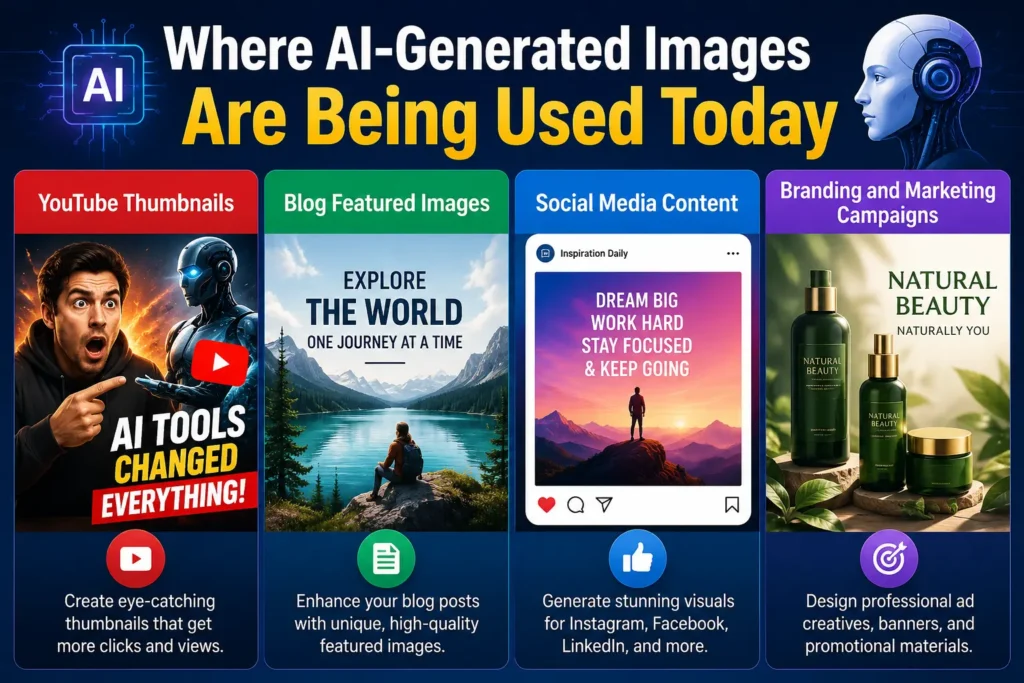
These platforms are no longer limited to digital artists. They are now used across nearly every content industry.
YouTube Thumbnails
This is probably the most competitive area right now.
Creators constantly test thumbnail styles to improve click-through rates, and AI-generated visuals have become a major advantage. During testing, Leonardo AI consistently produced sharper facial expressions and stronger cinematic lighting than several other free platforms, especially for gaming-style thumbnails.
For one comparison test, the same gaming prompt was entered into both Leonardo AI and Bing Image Creator. Leonardo generated cleaner lighting, more expressive faces, and better contrast overall, while Bing produced faster results but slightly softer details.
That difference becomes noticeable on crowded YouTube homepages.
Blog Featured Images
Custom visuals help articles stand out far more effectively than generic stock photography.
Many bloggers now generate topic-specific graphics to improve originality and audience engagement.
Social Media Content
AI-powered visuals are commonly used for:
- Instagram posts
- Pinterest graphics
- Facebook ads
- LinkedIn banners
- carousel posts
Fast content production is one of the biggest reasons marketers rely on these tools daily.
Branding and Marketing Campaigns
Businesses increasingly use AI-generated graphics for:
- product advertisements
- promotional banners
- website visuals
- email marketing creatives
For startups and small businesses, this significantly reduces design costs.
Why Watermark-Free Images Look More Professional
There is a massive difference between a polished visual and one covered with platform branding.
Even well-designed graphics can look unfinished when logos appear across the image.
For businesses especially, watermark-free exports create:
- cleaner branding
- stronger visual consistency
- better audience trust
- more flexibility across platforms
A creator spending time designing a YouTube thumbnail or ad campaign naturally wants complete control over the final visual.
That is why watermark-free tools have become increasingly important.
Why Resolution Makes a Bigger Difference Than Most People Think
Many beginners focus entirely on prompt writing while ignoring image resolution.
That is a mistake.
Low-quality visuals immediately reduce perceived professionalism. On social media, blurry images often get ignored within seconds.
High-definition graphics usually perform better because they:
- appear sharper on mobile devices
- improve click-through rates
- create stronger first impressions
- look better in advertisements and presentations
For YouTube creators specifically, thumbnail clarity can directly affect engagement.
Features That Actually Matter in a Free AI Image Generator
Not every free platform is worth your time. Some produce impressive visuals, while others struggle with distorted faces, poor lighting, or low-detail rendering.
Here are the features that genuinely make a difference.
High-Resolution Image Output
Always choose tools capable of generating at least 1080p visuals.
Higher resolution matters for:
- thumbnails
- blog banners
- advertisements
- print materials
Clean Downloads Without Watermarks
Before generating dozens of images, check whether the platform adds branding to exports.
Some free tools advertise “free downloads” but still apply visible logos.
Beginner-Friendly Prompt Interface
A complicated dashboard slows down creativity.
The best tools feel intuitive even for first-time users.
Fast Rendering Speeds
Some platforms generate visuals in seconds, while others place free users in long queues.
Fast rendering becomes especially important for creators producing content daily.
Multiple Artistic Styles
Versatility matters.
The strongest platforms support styles such as:
- realistic photography
- anime
- cinematic artwork
- digital painting
- 3D rendering
- cyberpunk visuals
Commercial Usage Rights
This is often overlooked.
Always review licensing terms before using generated visuals for:
- client projects
- advertisements
- monetized content
- product branding
Best Free AI Image Generators Without Watermark HD
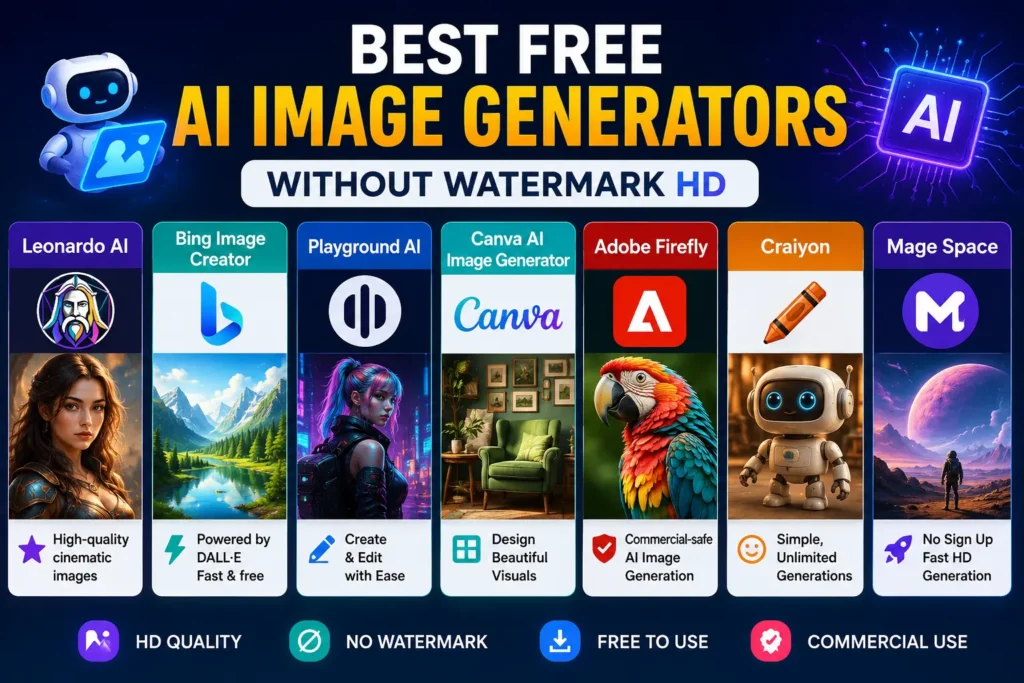
After extensive testing across thumbnails, social media graphics, and blog visuals, these platforms consistently performed the best.
Leonardo AI
Leonardo AI stands out for creators who want detailed cinematic visuals.
Its lighting quality, facial rendering, and texture generation feel noticeably stronger than many free alternatives.
During thumbnail testing, it consistently produced:
- sharper highlights
- cleaner backgrounds
- more dramatic lighting
- stronger contrast
Best For
- YouTube thumbnails
- gaming content
- cinematic artwork
- advanced visual projects
Downsides
Free credits can run out quickly during heavy usage.
Bing Image Creator
Bing Image Creator is one of the easiest tools for beginners.
The interface feels simple, generation speeds are fast, and results are surprisingly solid for casual content creation.
Best For
- blog graphics
- quick concept generation
- beginner-friendly workflows
Where It Falls Short
Some outputs appear softer compared to higher-end cinematic tools.
Playground AI
Playground AI combines generation and editing in one place.
That convenience makes it useful for creators who frequently modify visuals after generating them.
Ideal For
- Pinterest content
- social media graphics
- marketing creatives
- blog banners
Canva AI Image Generator
Canva simplifies the entire design workflow.
Instead of generating visuals separately and importing them later, users can immediately place AI-generated graphics into templates, presentations, and social media designs.
Best For
- marketers
- business owners
- social media managers
Adobe Firefly
Adobe Firefly focuses heavily on commercial-safe content creation.
For professional workflows, it remains one of the most reliable choices available.
Best Features
- realistic rendering
- professional editing ecosystem
- strong commercial usability
Limitation
Free credits are limited compared to some competitors.
Craiyon
Craiyon remains popular because of its simplicity.
It is not the strongest platform for ultra-realistic visuals, but it works well for experimentation and quick creative concepts.
Mage Space
Mage Space is ideal for users who want quick generation without mandatory signup requirements.
Its speed and accessibility make it surprisingly useful for fast content creation.
Comparison Table of the Best Free Tools
| Tool | Watermark-Free | HD Support | Free Plan | Best For |
| Leonardo AI | Yes | Yes | Yes | Designers |
| Bing Image Creator | Yes | Yes | Yes | Beginners |
| Playground AI | Yes | Yes | Yes | Social Media |
| Canva AI | Partial | Yes | Yes | Marketing |
| Adobe Firefly | Yes | Yes | Limited | Commercial Projects |
Also know more about:
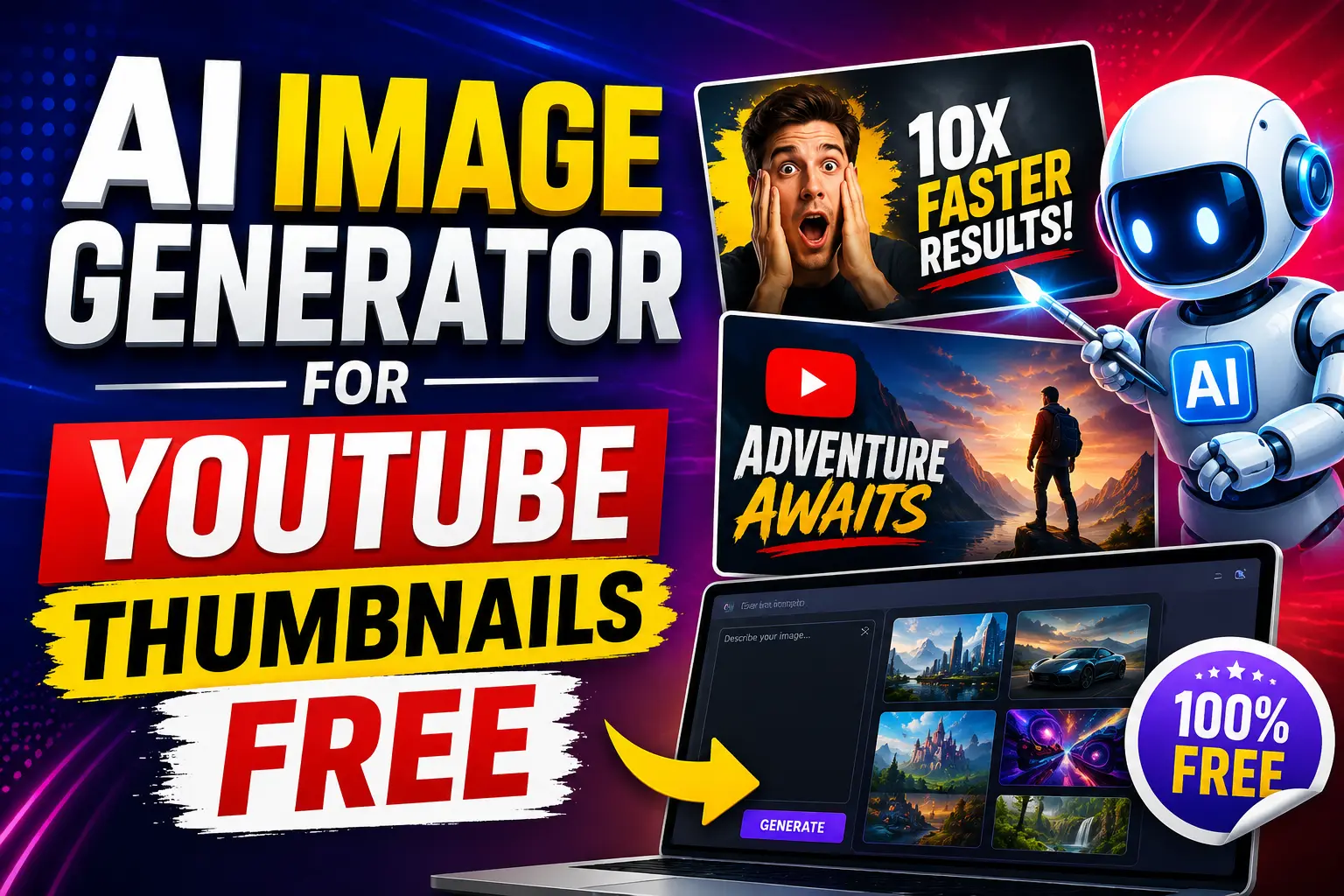
AI Image Generator for YouTube Thumbnails Free
Auto Subtitle Generator AI for Reels Free and more.
How to Generate Better HD Images Without Watermarks
A large percentage of low-quality AI visuals are caused by avoidable mistakes.
The platform matters, but the workflow matters just as much.
Step 1 – Pick the Right Tool for Your Goal
Different tools specialize in different styles.
For example:
- Leonardo AI works best for cinematic visuals
- Canva is excellent for marketing content
- Playground AI handles edits effectively
Choosing the right platform first saves time later.
Step 2 – Write More Detailed Prompts
Prompt quality changes everything.
A weak prompt creates weak visuals.
Weak Prompt
“A dog in a park”
Better Prompt
“Golden retriever running through a green park during sunset with cinematic lighting, DSLR photography style, shallow depth of field, ultra realistic”
Specificity dramatically improves output quality.
Step 3 – Use the Correct Resolution
Different platforms require different dimensions.
Recommended Sizes
- YouTube thumbnails: 1280×720
- Instagram posts: 1080×1080
- blog banners: 1920×1080
Using incorrect dimensions can ruin composition.
Step 4 – Export the Highest Quality Version
Whenever possible:
- choose PNG format
- use maximum resolution
- download watermark-free exports
These small details make a noticeable difference.
Prompt Examples That Produce Better Results
Realistic Portrait Prompt
“Ultra realistic portrait of a confident entrepreneur with cinematic studio lighting and shallow depth of field.”
YouTube Thumbnail Prompt
“Excited gamer reaction face with glowing neon background, dramatic contrast, vibrant colors, ultra detailed.”
Fantasy Artwork Prompt
“Ancient floating kingdom above clouds with magical atmosphere, cinematic fantasy lighting, ultra detailed environment.”
Product Photography Prompt
“Luxury smartwatch on black reflective surface with premium commercial studio lighting and realistic reflections.”
Free vs Paid AI Image Generators
Free tools are excellent for experimentation, but premium versions unlock more flexibility and efficiency.
Where Free Tools Shine
Budget-Friendly Access
Perfect for beginners and small creators.
Easy Experimentation
You can test multiple visual ideas without spending money.
Beginner-Friendly Learning
Free platforms help users understand prompt writing before investing in advanced tools.
Limitations of Free Plans
Credit Restrictions
Many tools limit daily generations.
Slower Processing
Free users sometimes experience queue delays.
Limited Advanced Features
Premium editing tools are often locked behind subscriptions.
When Paid Tools Become Worth It
Paid plans make sense for:
- agencies
- professional creators
- commercial campaigns
- bulk image production
For high-volume workflows, premium subscriptions often save significant time.
Common Mistakes That Make AI Images Look Cheap
Writing Generic Prompts
Short prompts usually create bland results.
Ignoring Aspect Ratios
Incorrect sizing damages composition quality.
Downloading Low-Resolution Files
Always prioritize HD exports whenever possible.
Forgetting Commercial Licensing
Some free platforms restrict business usage.
Overediting Images
Too many effects often make visuals look artificial.
Tips That Instantly Improve AI-Generated Images
Be Extremely Specific
Detailed prompts consistently produce better outputs.
Add Lighting Descriptions
Terms like:
- cinematic lighting
- golden hour
- dramatic shadows
- studio photography
often improve realism dramatically.
Mention Artistic Style Clearly
Specify styles such as:
- anime
- watercolor
- realistic photography
- cyberpunk
- digital painting
to guide the AI more accurately.
Experiment Constantly
Small prompt adjustments can completely change image quality.
Use Negative Prompts
Negative prompts help remove unwanted distortions.
Example:
“No blur, no extra fingers, no low quality, no distorted face.”
Are Free AI Image Generators Safe to Use?
Most major platforms are generally safe, but users should still stay cautious.
Privacy Considerations
Avoid uploading sensitive business or personal information.
Copyright and Licensing
Always review licensing terms before commercial use.
Ethical Usage
AI-generated visuals should never be used for misinformation or deceptive content.
Best Tool for Different Needs
| Use Case | Recommended Tool |
| YouTube Thumbnails | Leonardo AI |
| Social Media Graphics | Canva AI |
| Realistic Artwork | Playground AI |
| Marketing Campaigns | Adobe Firefly |
| Beginner-Friendly Usage | Bing Image Creator |
The Future of AI Image Generation
The speed of improvement in this industry is remarkable.
Only a few years ago, most AI-generated visuals looked distorted and unrealistic. Today, some outputs are nearly indistinguishable from professional photography.
Future platforms will likely deliver:
- faster rendering
- more accurate text generation
- realistic facial details
- improved lighting consistency
- AI-powered video integration
For creators, marketers, and businesses, these tools are quickly becoming part of the standard content creation workflow rather than just experimental technology.
Conclusion
AI-powered visual tools have completely reshaped digital content creation. Whether you are designing YouTube thumbnails, blog graphics, marketing creatives, or social media posts, choosing the right AI Image Generator without watermark can dramatically improve workflow efficiency and visual quality.
After comparing multiple platforms, Leonardo AI stands out for cinematic visuals and creator-focused customization, while Canva remains one of the easiest options for marketing workflows. Adobe Firefly is especially strong for commercial usage and professional projects.
The biggest difference-maker, however, is not the platform itself. It is prompt quality. The more specific and creative your prompts become, the better your visuals will look.
As Artificial Intelligence continues evolving, creators will gain access to faster, smarter, and even more realistic visual generation tools in the years ahead.
Frequently Asked Questions (FAQs)
1. What is the best free AI image generator without watermark?
Leonardo AI is one of the strongest free options because it combines cinematic image quality, detailed customization, and clean exports.
2. Can AI-generated images be used commercially?
Some platforms allow commercial use under free plans, while others require premium licenses. Always review usage rights before using visuals for business projects.
3. Which platform creates the most realistic HD visuals?
Adobe Firefly, Leonardo AI, and Playground AI currently produce some of the strongest realistic outputs among free and freemium platforms.
4. How can beginners improve AI-generated image quality?
Use detailed prompts that include:
- lighting
- mood
- camera perspective
- artistic style
- texture descriptions
Specific prompts almost always create stronger results.
5. Do free AI image generators support 4K exports?
Some platforms offer upscale tools or premium upgrades for 4K rendering, although free plans may include resolution limitations.