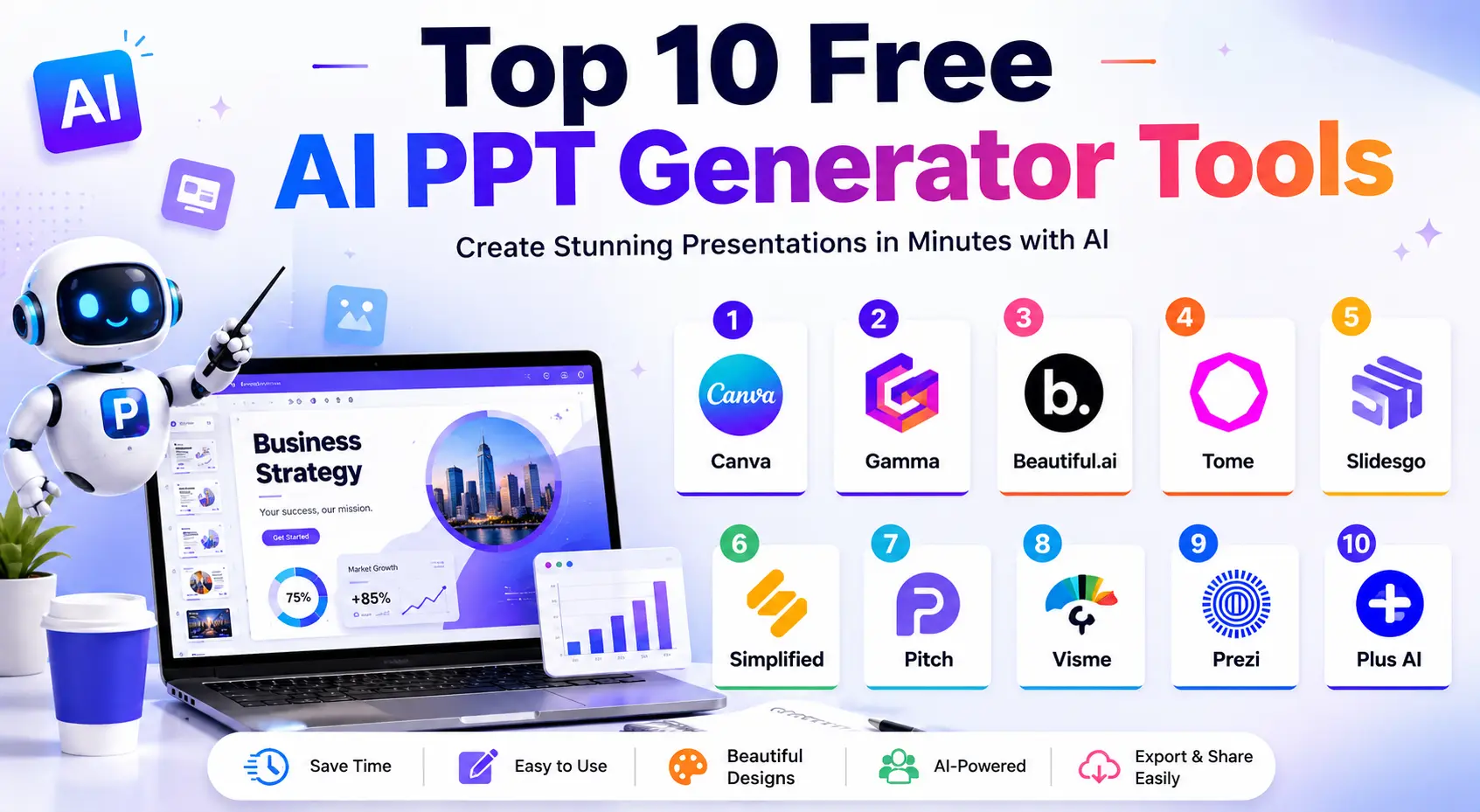
Creating a presentation used to mean spending hours adjusting slide layouts, fixing font sizes, searching for visuals, and rewriting content repeatedly. For many students, marketers, business teams, and creators, presentation design felt more exhausting than the actual research behind it.
That has changed quickly over the last two years.
AI-powered presentation tools are now helping people build polished slide decks in a fraction of the time. Instead of designing everything manually, users can simply enter a topic, upload notes, or paste an outline, and the software generates a complete presentation structure automatically.
The rise of tools like an AI Image Generator for YouTube creators, smart editing software, and Auto Subtitle Generator AI platforms has also increased expectations around speed and automation. People want content tools that reduce manual work without sacrificing quality. Presentation software is now moving in the same direction.
After testing several free AI presentation platforms for workflow speed, template quality, customization, export flexibility, and usability, a few tools clearly stand out from the rest. Some are better for business presentations, while others work best for educational projects, webinars, or creative storytelling.
This guide breaks down the best free AI PPT generators available right now, including their strengths, limitations, and the type of users they are best suited for.
What Is an AI PPT Generator?
An AI PPT generator is a tool that automatically creates presentations using artificial intelligence. Instead of building slides one by one, users can provide:
- A short prompt
- A presentation topic
- Existing notes
- A document or article
- A rough outline
The AI then organizes the information into slides with headings, layouts, visuals, and suggested formatting.
Some advanced platforms can even:
- Write slide content
- Create summaries
- Add icons and graphics
- Generate charts
- Recommend animations
- Produce AI visuals automatically
Traditional PowerPoint creation often requires separate tools for writing, designing, editing, and formatting. AI presentation tools combine these tasks into one workflow.
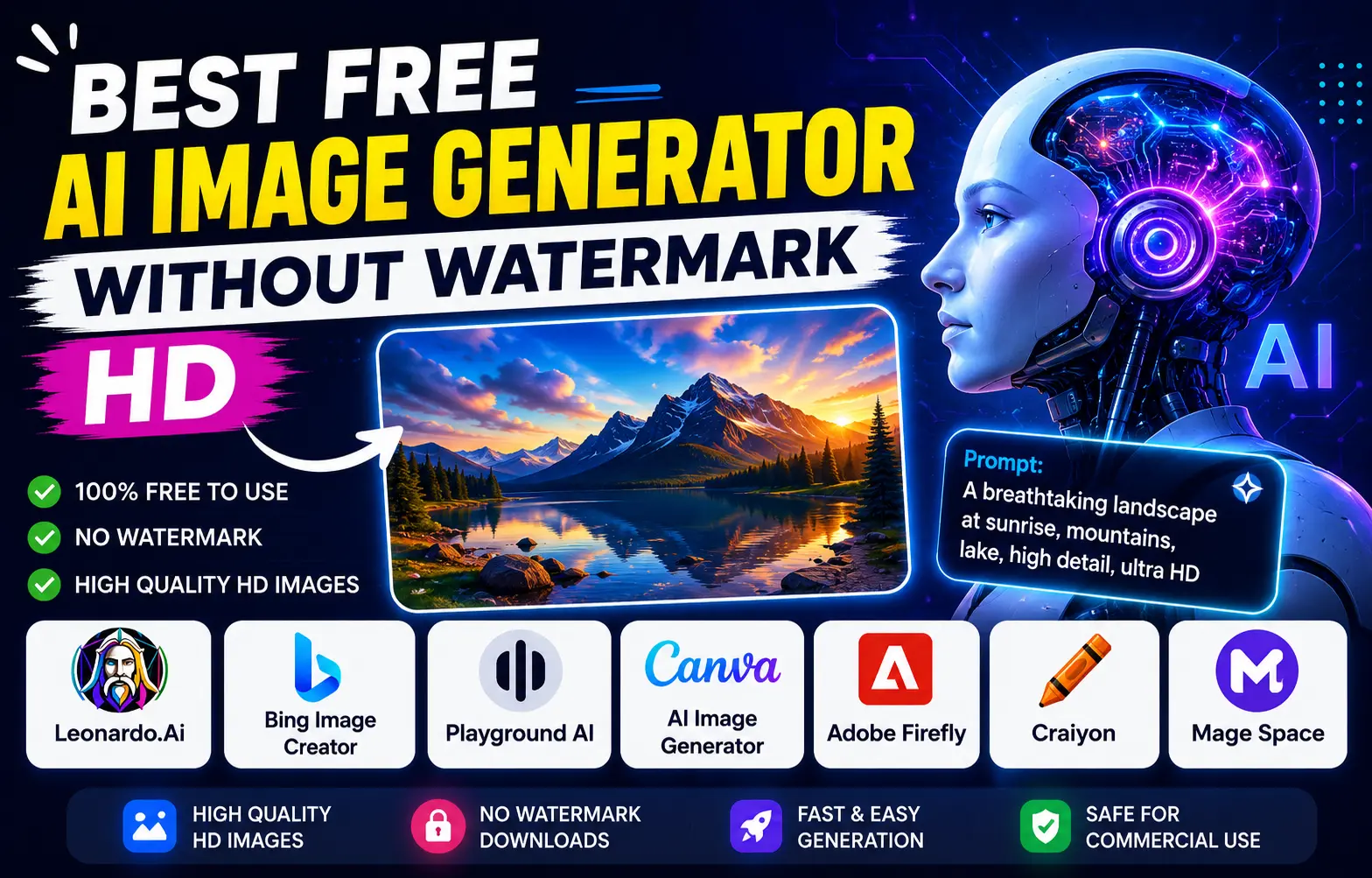
For example, creators already using an AI Image Generator Without Watermark for thumbnails or social graphics often prefer presentation platforms that include built-in visual generation because it speeds up the creative process significantly.
Why AI Presentation Tools Are Becoming So Popular
The biggest reason is simple: people want faster workflows.
Students no longer want to spend an entire evening adjusting presentation themes for a classroom assignment. Startup founders need investor pitch decks quickly. Marketing teams often create multiple presentations every week for reports, campaigns, and client meetings.
AI tools reduce repetitive work and allow users to focus more on ideas and communication instead of technical formatting.
During testing, one noticeable difference was how quickly these tools handled structure creation. Instead of staring at a blank slide, users immediately get a starting point that already looks professional. That alone saves a surprising amount of time.
Another reason for their popularity is accessibility. Most of these platforms are beginner-friendly, so users with no design experience can still create visually clean presentations.
Key Benefits of Free AI PPT Generators
Faster Presentation Creation
This is the most obvious advantage.
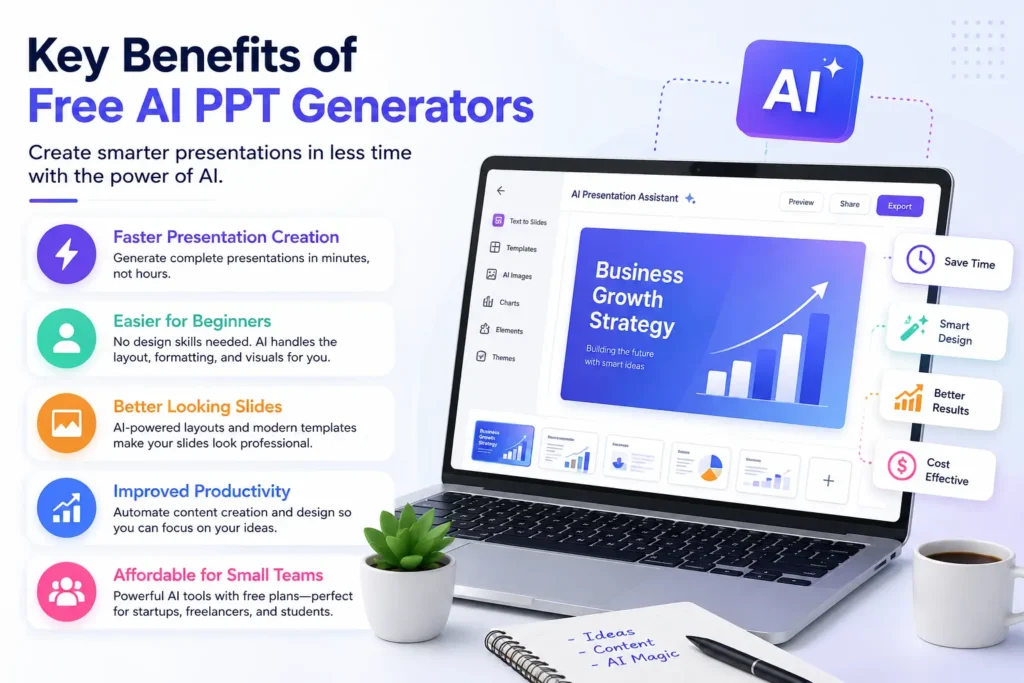
A presentation that traditionally required three to four hours can now be created in less than thirty minutes. Some platforms generate entire slide decks within seconds after entering a prompt.
For busy professionals, that time difference matters a lot.
Easier for Beginners
Not everyone understands presentation design principles like spacing, typography, alignment, or visual hierarchy.
AI tools automatically handle most of these elements. Even first-time users can create slides that look organized and modern.
Better Looking Slides
One thing that stood out while comparing these platforms was the improvement in visual consistency. AI-generated layouts usually maintain cleaner spacing and better formatting than manually edited beginner presentations.
Many platforms now include stock graphics, icons, and integrated visual tools similar to what creators use in an AI Image Generator for YouTube workflow.
Improved Productivity
Instead of switching between multiple apps for writing, editing, designing, and exporting, users can complete most tasks inside one platform.
This becomes especially useful for:
- Marketing agencies
- Freelancers
- Startup teams
- Content creators
- Teachers and educators
Affordable for Small Teams
Most free plans offer enough features for regular users. While premium upgrades unlock advanced tools, the free versions are usually more than enough for students, freelancers, and small businesses.
Features That Actually Matter in an AI PPT Generator
Not every AI presentation tool performs equally well. Some look impressive initially but become frustrating during real use.
Here are the features that genuinely make a difference.
AI Content Assistance
A good tool should generate structured content naturally instead of producing robotic paragraphs that require heavy editing.
High-Quality Templates
Templates affect presentation quality more than most people realize. Clean layouts instantly improve readability and professionalism.
Export Flexibility
Always check whether the platform allows:
- PPT export
- PDF downloads
- Google Slides compatibility
Some free tools heavily restrict exports.
Collaboration Features
For teams, real-time collaboration becomes important. Being able to edit slides together saves time during projects and meetings.
Visual Integration
Presentation tools with built-in visual generation feel much smoother to use. Creators already familiar with Auto Subtitle Generator AI workflows or AI design tools usually appreciate having everything inside one dashboard.
Easy Interface
A complicated interface defeats the purpose of automation. The best tools are usually the ones that feel intuitive immediately.
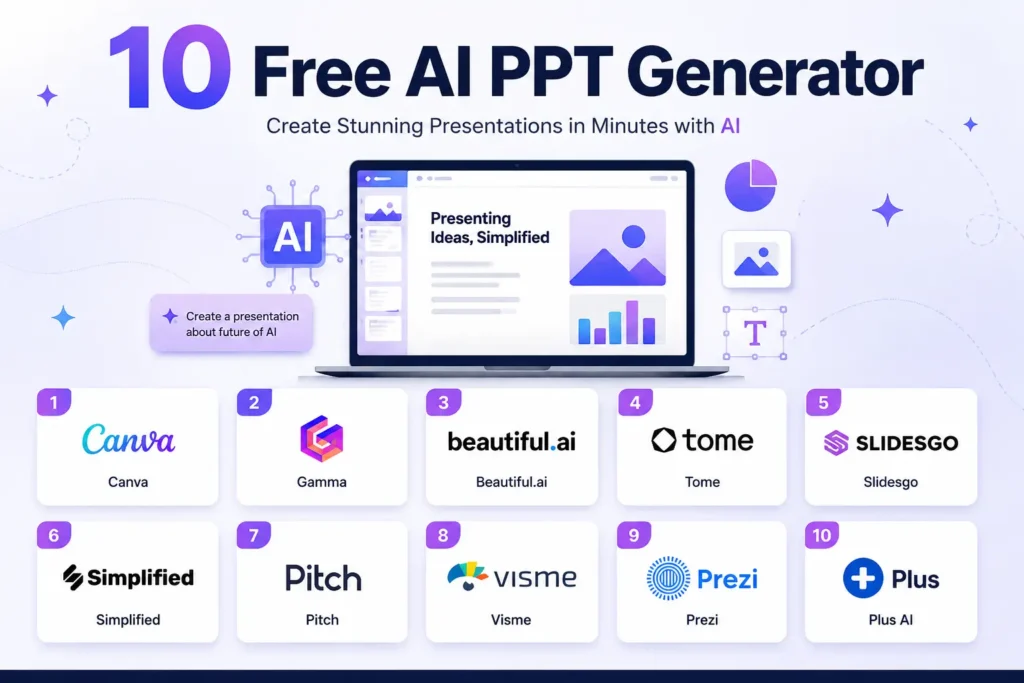
Top 10 Free AI PPT Generator
1. Canva
Canva remains one of the easiest platforms for beginners. Its AI presentation tools simplify design without making the experience feel overly automated.
After testing it for educational and marketing presentations, the strongest advantage was flexibility. Users can quickly customize templates without needing advanced design knowledge.
Best Features
- Magic Design AI
- Large template collection
- Built-in media library
- Collaboration support
Pros
- Very beginner-friendly
- Clean interface
- Strong free version
Cons
- Some advanced assets are premium
Best For
Students, marketers, teachers, and creators.
2. Gamma
Gamma feels different from traditional slide software. Instead of standard slides, it focuses more on modern storytelling layouts.
During testing, Gamma generated some of the fastest presentation drafts among all tools reviewed.
Best Features
- Prompt-based presentation creation
- Interactive layouts
- Modern design style
Pros
- Extremely fast workflow
- Minimal learning curve
Cons
- Limited customization depth
Best For
Business pitches and startup presentations.
3. Beautiful.ai
Beautiful.ai focuses heavily on automated design structure. It automatically adjusts layouts to maintain consistency across slides.
This platform works especially well for professional business presentations where visual balance matters.
Best Features
- Smart formatting
- Professional templates
- Team collaboration
Pros
- Clean corporate look
- Excellent alignment automation
Cons
- Free exports are limited
Best For
Corporate presentations and reports.
4. Tome
Tome is more storytelling-focused compared to traditional presentation builders.
Instead of static slides, presentations feel more interactive and visually immersive.
Best Features
- AI-generated narratives
- Rich media support
- Interactive storytelling layouts
Pros
- Creative presentation style
- Strong visual storytelling
Cons
- Requires stable internet connection
Best For
Creative professionals and agencies.
5. Slidesgo
Slidesgo is especially popular among students and educators because of its template variety.
Its educational layouts feel practical rather than overly corporate.
Best Features
- Google Slides support
- Free templates
- AI presentation assistance
Pros
- Easy customization
- Large educational library
Cons
- Some templates require attribution
Best For
Academic and classroom presentations.
6. Simplified
Simplified combines writing, design, and presentation creation into one platform.
For marketing workflows, this all-in-one approach saves considerable time.
Best Features
- AI writing assistant
- Presentation templates
- Collaboration features
Pros
- Useful for multi-tasking
- Good marketing support
Cons
- Limited free AI credits
Best For
Content creators and agencies.
7. Pitch
Pitch is designed with teams in mind. Its collaborative workflow feels smooth, especially for startups working remotely.
Best Features
- Real-time editing
- Analytics integration
- AI support features
Pros
- Modern interface
- Great collaboration tools
Cons
- Smaller template collection
Best For
Remote teams and startups.
8. Visme
Visme works particularly well for infographic-heavy presentations and reports.
It offers stronger visualization tools compared to many competitors.
Best Features
- Charts and infographics
- Interactive elements
- Analytics tools
Pros
- Excellent for data visualization
- Strong design flexibility
Cons
- Watermarks on some exports
Best For
Business reports and analytics presentations.
9. Prezi
Prezi stands out because of its zoom-style presentation format. It feels more dynamic than traditional slides.
However, beginners may need some time to get comfortable with its structure.
Best Features
- Dynamic transitions
- AI-assisted layouts
- Video support
Pros
- Highly engaging
- Different presentation experience
Cons
- Slight learning curve
Best For
Webinars and public speaking.
10. Plus AI
Plus AI integrates directly into Google Slides, which makes it convenient for users already working inside Google Workspace.
Best Features
- Text-to-slide generation
- Google Slides integration
- AI editing support
Pros
- Fast workflow
- Convenient for Google users
Cons
- Some advanced tools require payment
Best For
Google Workspace users.
Comparison Table of the Best Free AI PPT Generators
| Tool | Free Plan | Best For | Export Options | Ease of Use |
| Canva | Yes | Beginners | PPT, PDF | Easy |
| Gamma | Yes | Startups | Easy | |
| Beautiful.ai | Limited | Businesses | PPT, PDF | Medium |
| Tome | Yes | Storytelling | Easy | |
| Slidesgo | Yes | Students | PPT, Google Slides | Easy |
| Simplified | Yes | Marketing | PPT, PDF | Medium |
| Pitch | Yes | Teams | PPT, PDF | Easy |
| Visme | Yes | Infographics | PPT, PDF | Medium |
| Prezi | Yes | Webinars | Medium | |
| Plus AI | Yes | Google Slides | Google Slides | Easy |
How to Choose the Right Tool
Choosing the best platform depends entirely on your workflow.
- Students usually benefit most from Canva or Slidesgo because they are easier to customize quickly.
- Startup founders may prefer Gamma because it creates polished pitch decks faster.
- Marketing agencies often lean toward Simplified or Tome for storytelling-heavy presentations.
- Teams collaborating remotely may find Pitch more practical.
- Data-focused professionals generally prefer Visme because of its infographic capabilities.
The best option is not always the platform with the most features. It is usually the one that fits naturally into your workflow.
Tips to Make AI Presentations Look Better
Keep Slides Simple
One common mistake is overcrowding slides with too much information. Clean slides are easier to understand.
Edit AI Content
Even strong AI-generated drafts still need human editing. Small rewrites improve clarity and make presentations sound more natural.
Use Better Visuals
Relevant visuals improve audience engagement significantly. Many creators already familiar with AI Image Generator Without Watermark tools understand how important visuals are for viewer retention.
Maintain Consistent Branding
Using the same fonts, colors, and design style throughout the presentation creates a more professional result.
Focus on Storytelling
People remember stories better than statistics alone. Good presentations guide the audience naturally from one point to another.
Common Limitations of Free AI Presentation Tools
Although these platforms save time, free versions still come with restrictions.
Common limitations include:
- Watermarked exports
- Limited AI credits
- Fewer templates
- Restricted collaboration features
- Internet dependency
Some tools also lock premium animations and advanced export settings behind paid plans.
The Future of AI Presentation Software
AI presentation tools are improving rapidly.
In the next few years, we will likely see:
- AI voice narration
- Automatic slide animations
- Real-time presentation coaching
- Smarter audience analytics
- Personalized design recommendations
As AI continues evolving across creative industries — from Auto Subtitle Generator AI systems to presentation builders and visual generation tools — workflows will become increasingly faster and more connected.
Conclusion
AI presentation generators are no longer experimental tools. They have become practical solutions for students, professionals, educators, creators, and businesses that want faster workflows without sacrificing presentation quality.
After comparing multiple platforms, Canva remains one of the strongest all-around options for beginners because of its balance between simplicity and flexibility. Gamma performs exceptionally well for fast business presentations, while Tome stands out for storytelling and creative work.
No single platform is perfect for everyone. The best approach is to test a few tools personally and choose the one that fits your workflow naturally.
Most importantly, AI should enhance creativity rather than replace it. The strongest presentations still come from clear ideas, strong communication, and thoughtful storytelling.
Frequently Asked Questions (FAQs)
1. What is the best free AI PPT generator?
Canva and Gamma are among the most popular free AI PPT generators because they make presentation creation fast and beginner-friendly without requiring design experience.
2. Can AI create PowerPoint presentations automatically?
Yes. Modern AI presentation tools can generate complete slide decks from prompts, notes, outlines, or uploaded documents in just a few minutes.
3. Which AI presentation tool is best for students?
Slidesgo and Canva are excellent choices for students because they offer free templates, simple editing tools, and easy customization for classroom projects.
4. Do free AI PPT generators include watermarks?
Some free AI presentation tools include watermarks or limit export quality in their free plans. Upgrading to a premium version usually removes these restrictions.
5. Are AI-generated presentations good for professional use?
Yes. Many businesses use AI-generated presentations for meetings, sales pitches, webinars, reports, and client presentations because they help save time while maintaining a professional look.